
CSV imports
Your data rarely starts in BatchDash. The stock list lives in a spreadsheet, prices sit in a vendor’s export, deliveries in an old tool. CSV imports bring all of that in without retyping it. If you are just getting started, this is the fast lane through setting up your inventory.
The imports page
Section titled “The imports page”Imports lists every file you can bring into this workspace, under four headings: What you buy, What you sell, What is on the shelf and What you already sold. Each row says what one line of that file creates and what the workspace already holds of it (“12 ingredients”, or “Nothing yet”), and Template downloads the file’s headers ready to fill. A kind you can open but not run says “view only”, and a file whose module your plan does not include is left out. The dashboard’s Bring in what you already have row opens the page; it sits first on the dashboard while the workspace holds nothing yet.
The rows run in the order a move goes in, so work down the list: stock needs its items first, and past sales need the stock. BatchDash imports seven kinds of file, each with its own article:
| Kind | A committed row creates |
|---|---|
| Ingredients | An ingredient (name and unit), optionally with opening stock |
| Vendor offers | A vendor price for an existing ingredient, or for a product you buy |
| Deliveries | A stock movement that raises stock and updates the average cost |
| Products | A product and one sales format, made here or bought ready-made, optionally with opening stock |
| Customers | A customer, with an address if the file carries one |
| Opening stock | A lot already on your shelf, on an ingredient, a packaging item or a product, with its code, best-before and place |
| Past sales | A Sold movement on a product, dated and priced, drawn at the current average cost |
CSV imports are part of the larger plans. The way out is one page over: exporting your data covers the export button on every list and the full account export.
If the spreadsheet is where production itself lives, with the recipes, the stock and the lot numbers in it, an import is the first step of a longer move. Manufacturing software instead of Excel says what comes across and what stays exactly where it is.
The workflow
Section titled “The workflow”Every import follows the same steps.
- Start from the imports page, or from where you work: the Import menu on the Ingredients page (ingredients, vendor offers, opening stock), on the Purchase orders page (deliveries), on the Products page (products, past sales, opening stock), on the Packaging & consumables page (opening stock), on the Vendors page (vendor offers) and on the Customers page (customers). Each kind’s page has an All imports link back to the imports page.
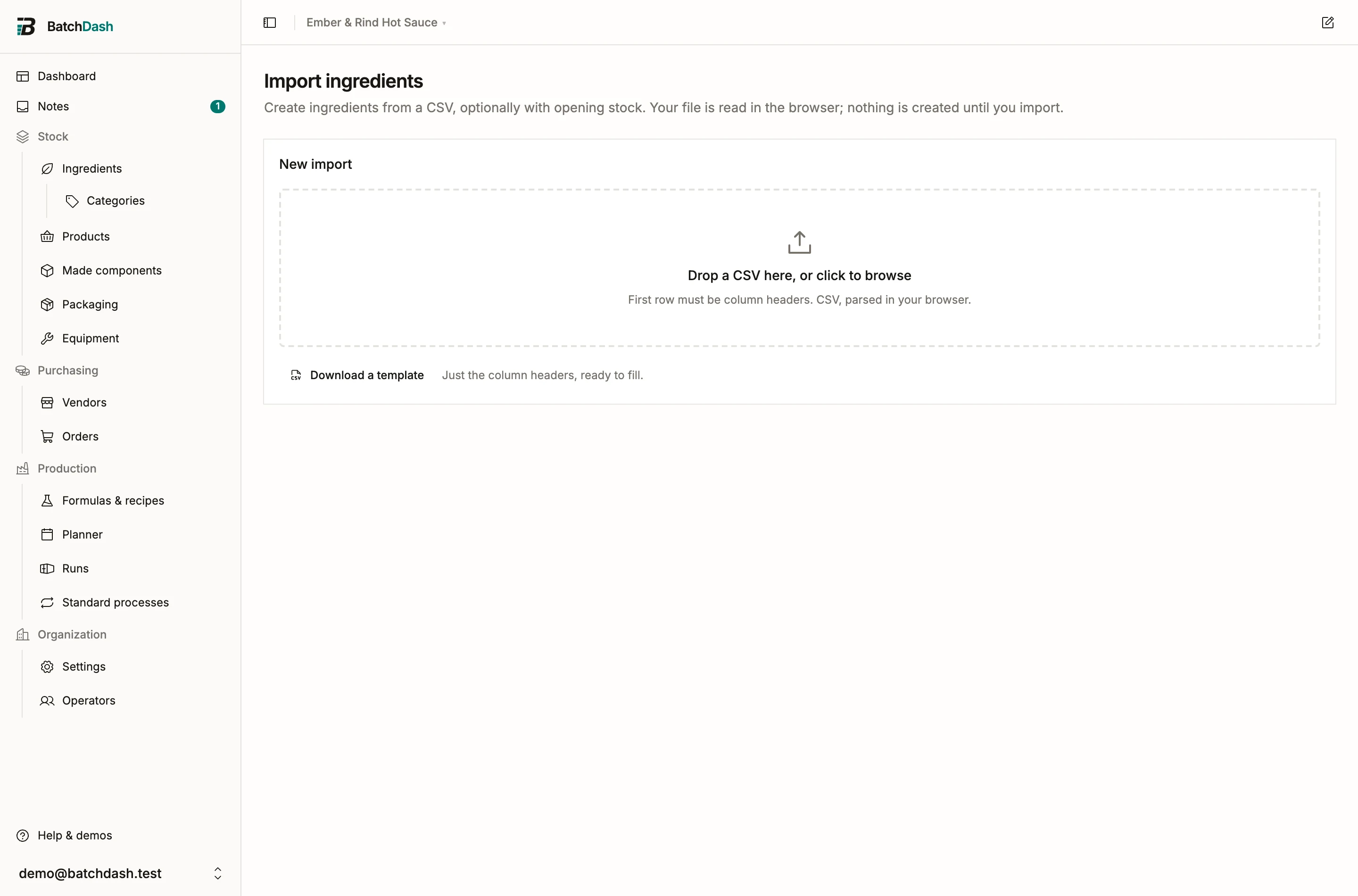
- Drop a CSV, or click to browse. The first row must be column headers; Download a template gives you a file with the right ones. The file is read in your browser; nothing is created yet. Files are capped at 5,000 rows and 8 MB, so split anything bigger.
- Map columns. Under Column mapping, match each field to a column from your file. BatchDash guesses from your headers where it can: a column named “prix” finds Price on its own.
- Review the rows. Each row gets a status, Ready or Needs attention, with the issue spelled out: unknown unit, invalid number, duplicate of an earlier row.
- Press Import ready rows. Ready rows are committed and turn Imported. Rows that still need attention stay put.
Columns that tell things apart
Section titled “Columns that tell things apart”Two columns settle what a row is about when a name alone could mean two things. On the offers and deliveries files, Kind says whether the row names an ingredient, a packaging item, a supply or a product (vendor offers, deliveries). On the products file, Made or bought says whether you make the product or buy it ready-made (products). Both are optional. A blank Kind finds the record by name, an ingredient first; a blank Made or bought creates a product you make.
Fixing rows
Section titled “Fixing rows”You do not need a perfect file. Click Fix on a flagged row to edit its values in place, then Save & recheck. Offer and delivery rows can also be pointed at the right record with Map to ingredient or Map to vendor when a name in the file does not match yours, and at a product with Map to product where the workspace buys products. A product row uses Map to recipe the same way, a past-sale row uses Map to product and Map to customer, and an opening stock row uses the picker of its file’s kind: Map to ingredient, Map to packaging item or Map to product. An offer or delivery row names one item, so picking a product clears an ingredient picked before, and the other way round.
Work in passes if you like: fix a few rows, import, fix a few more. The counters at the top track Ready, Needs attention and Imported until everything in the file is in.