
Organization settings
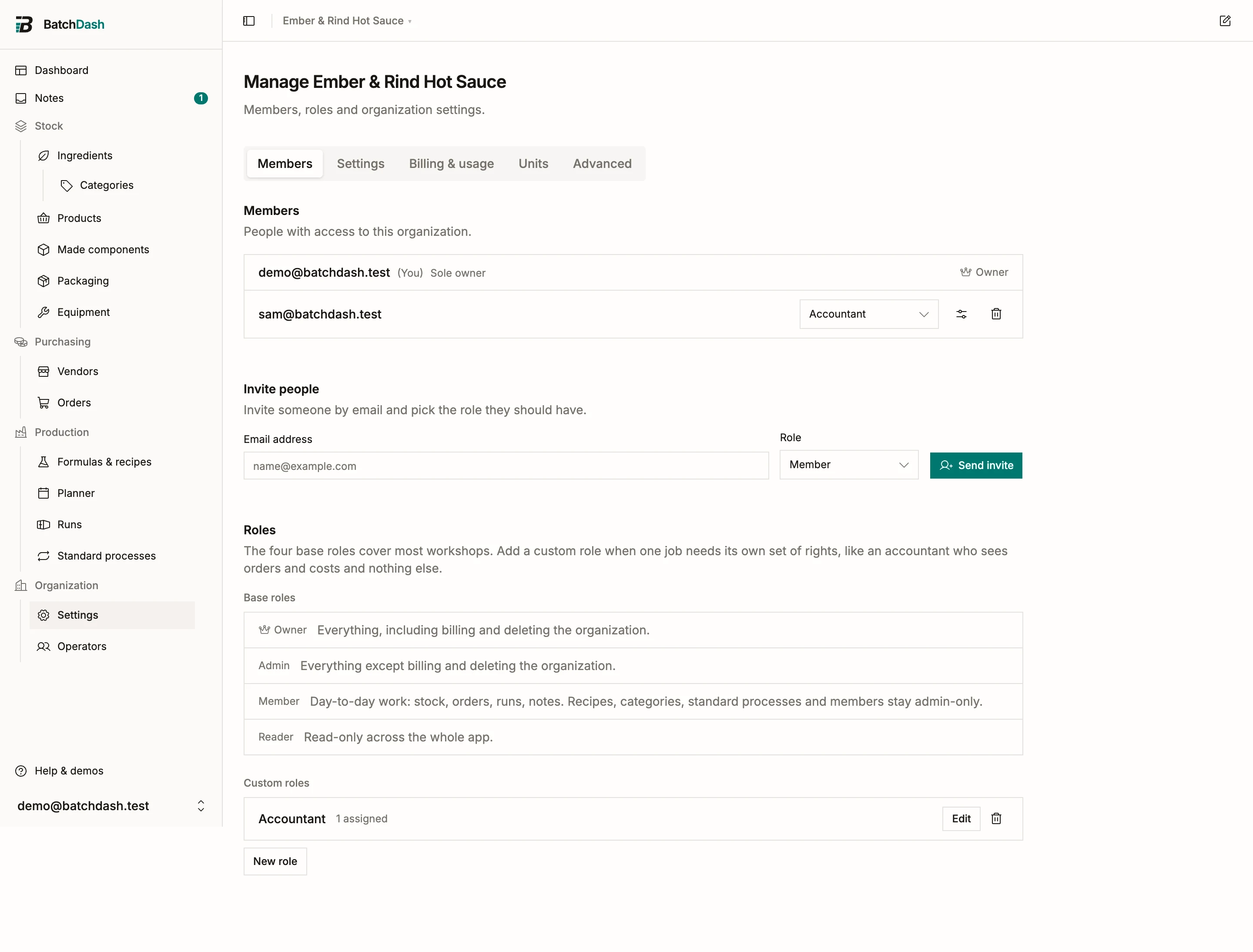
Organization → Settings in the sidebar gathers everything that belongs to the workspace itself, in five tabs: Business, Members, Settings, Billing & usage and Advanced. Members, billing and units have their own articles; this one covers the rest.
Your company
Section titled “Your company”The Business tab holds who you are on paper: the workspace name, your legal business name, address, country, company number and VAT number, plus a contact email, phone, website and your logo.
It is worth filling in once. Labels print it as the business behind the product, and it fills in your billing details when you subscribe so you are not retyping your own address into a payment form. Nothing is required, and the fields adapt to where you are: pick France and the registration field asks for a SIREN, pick the United States and the VAT input disappears because there is no such thing there.
Renaming
Section titled “Renaming”On the Business tab, change Organization name and save.
Workspace settings
Section titled “Workspace settings”The Settings tab is a list of areas down the left: General, Recipes & notes, Production, References, Stock & buying, Suppliers, Costing, Pricing, Currencies and taxes, Markets, Labels and Units. You only see the areas your plan and your role give you, and each one has its own address, so you can link somebody straight to it. These apply to everyone in the organization.
| Setting | What it does |
|---|---|
| Members can leave instantly | On, members leave on their own. Off, leaving needs an admin to approve the request. |
| Auto-save recipe edits | Off, the recipe editor saves only when Save is pressed, for everyone; no member can re-enable it for themselves. |
| Auto-save note edits | Off, a note saves only when Save is pressed, for everyone; no member can re-enable it for themselves. |
| Temperature unit | Celsius or Fahrenheit for step temperatures across your recipes. |
| Content language | Which language your own names and texts are written in. See labels in two languages. |
| Short component stock | What a batch does when it needs more of a made component than you have: warn, block, or take what is there. |
| Release batches | Whether a finished batch is on hand right away, or held until its finished-product check passes or someone releases it. |
Auto-save also exists as a personal preference when the organization allows it; see profile and preferences.
Three of those areas have articles of their own: currencies and exchange rates holds your base currency and the rate new orders book at, VAT on what you buy the switch that decides what an invoice’s tax does to your cost, and markets and VAT on sales orders the countries you sell in.
Weighing
Section titled “Weighing”A recipe is percentages, so scaling one lands on amounts like 512.1043 g that no scale reads. Under Recipes & notes on the same tab, record what your bench actually reads: Weigh to for the scale, in grams, and Measure to for what you pour, in milliliters.
With a step set, every batch you plan from then on is rounded to it once, at planning. The sheet, the bill of materials, the shopping list and the planned cost all carry the same rounded amounts, and the run page states the fraction of a percent the rounding moved the batch off its target. Two guardrails protect small amounts: a line never rounds to zero, and never moves by more than 5% of itself. A line the rules keep exact is tagged Weigh precisely on the bill of materials and the sheet, so you know which lines need the precise scale.
Three things to know:
- No rounding, the default, plans every batch exactly as the recipe scales it.
- A batch freezes the step it was planned with. Buying a finer scale changes the batches you plan afterward; a batch already planned keeps its numbers.
- The run form can override the step for a single batch while it is planned, including down to No rounding for a careful trial.
Run references
Section titled “Run references”Every run gets a reference, RUN-000123 out of the box. If your labels follow another scheme, reshape it per run kind (test and production) under References, in its own area of the Settings tab, beside the sales-order and pack-fill patterns. With ingredient variants, the same area holds the transformation pattern, TR-000001 out of the box. A production recorded on a product whose recipe is not written yet takes its reference from the production pattern, so it numbers with your production runs.
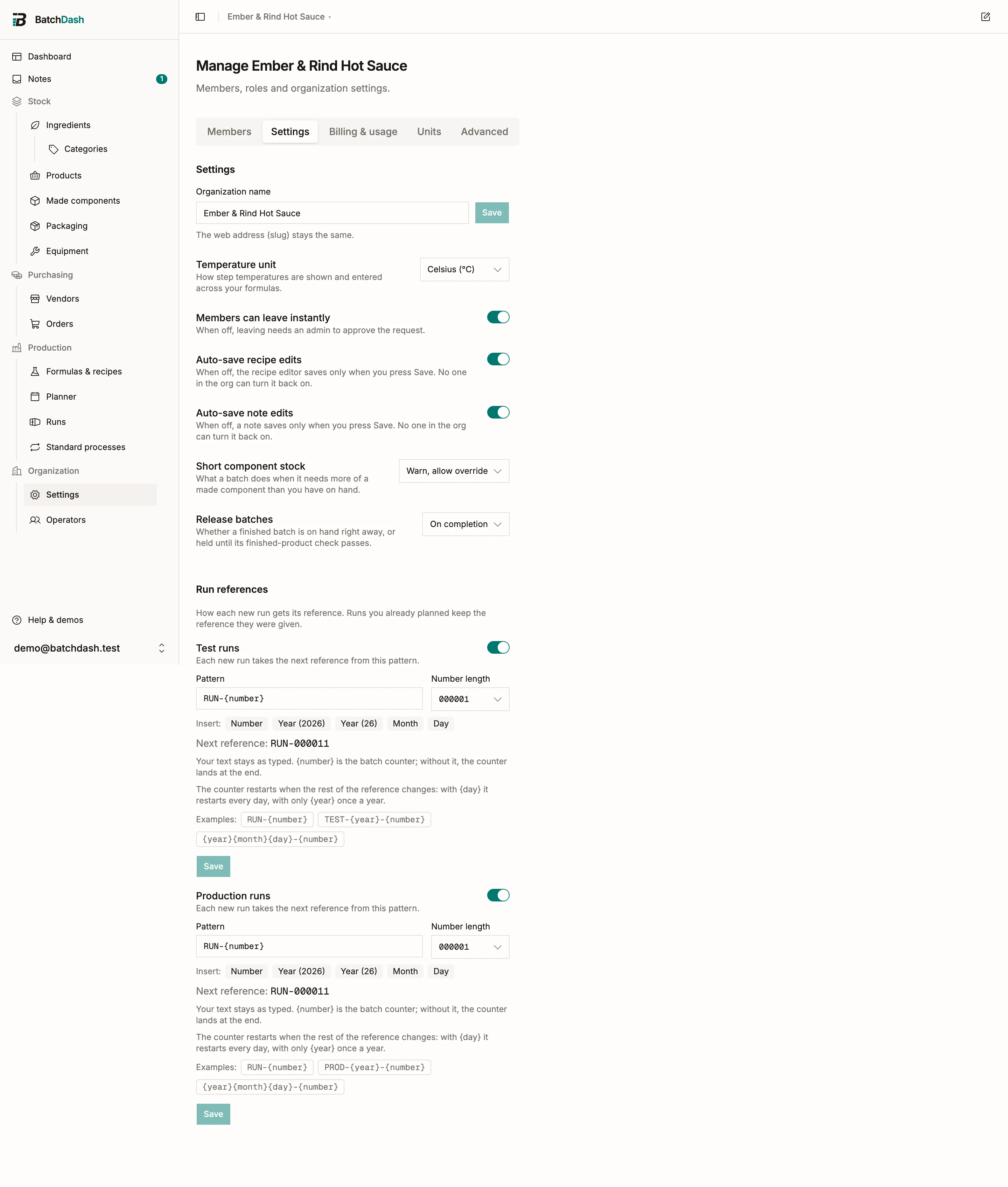
A pattern mixes your own text with tokens: {year}, {yy}, {month}, {day} and {number}, the batch counter. PROD-{year}-{number} mints PROD-2026-014. Type text, click a token chip to insert it, and check the Next reference preview before saving. Number length pads the counter: 3 renders 014, 6 renders 000014.
Two rules do the quiet work:
- Leave
{number}out and the counter lands at the end:{year}{month}{day}mints 20260726-01. - The counter counts within what the rest of the pattern renders. With
{day}in the pattern it restarts every day, with only{year}it restarts once a year, and with plain text it never restarts.
Prefer assigning batch numbers yourself? Turn Automatic references off for a kind, and the run form asks for a reference when you plan each run.
Existing runs keep their reference either way. A single run’s reference can still be edited from Edit on the run page while the run is planned; once it starts, the reference is frozen, because it may already be on a label or a batch record.
More than one organization
Section titled “More than one organization”An account can belong to several organizations: your workshop and a side project, or your own company plus a client’s. Each keeps its own inventory, recipes, members and plan; nothing crosses over. Switch between them from the picker in the top bar, and create another one from the same menu. A new organization just needs a name and a base currency, like your first one, and picks its plan separately (billing and plans).
Danger zone
Section titled “Danger zone”On the Advanced tab, Delete this organization closes the workspace for the whole team and, after a thirty-day grace window, erases everything in it: inventory, recipes, orders, history. Only an owner can do it, and you confirm with your password and by typing the organization’s name. If you only want to step away yourself, leave the organization instead; deleting is for shutting the whole workspace down. Read deleting an organization first, and run Export all data from the section above it if you might need the data again.