Pricing a product
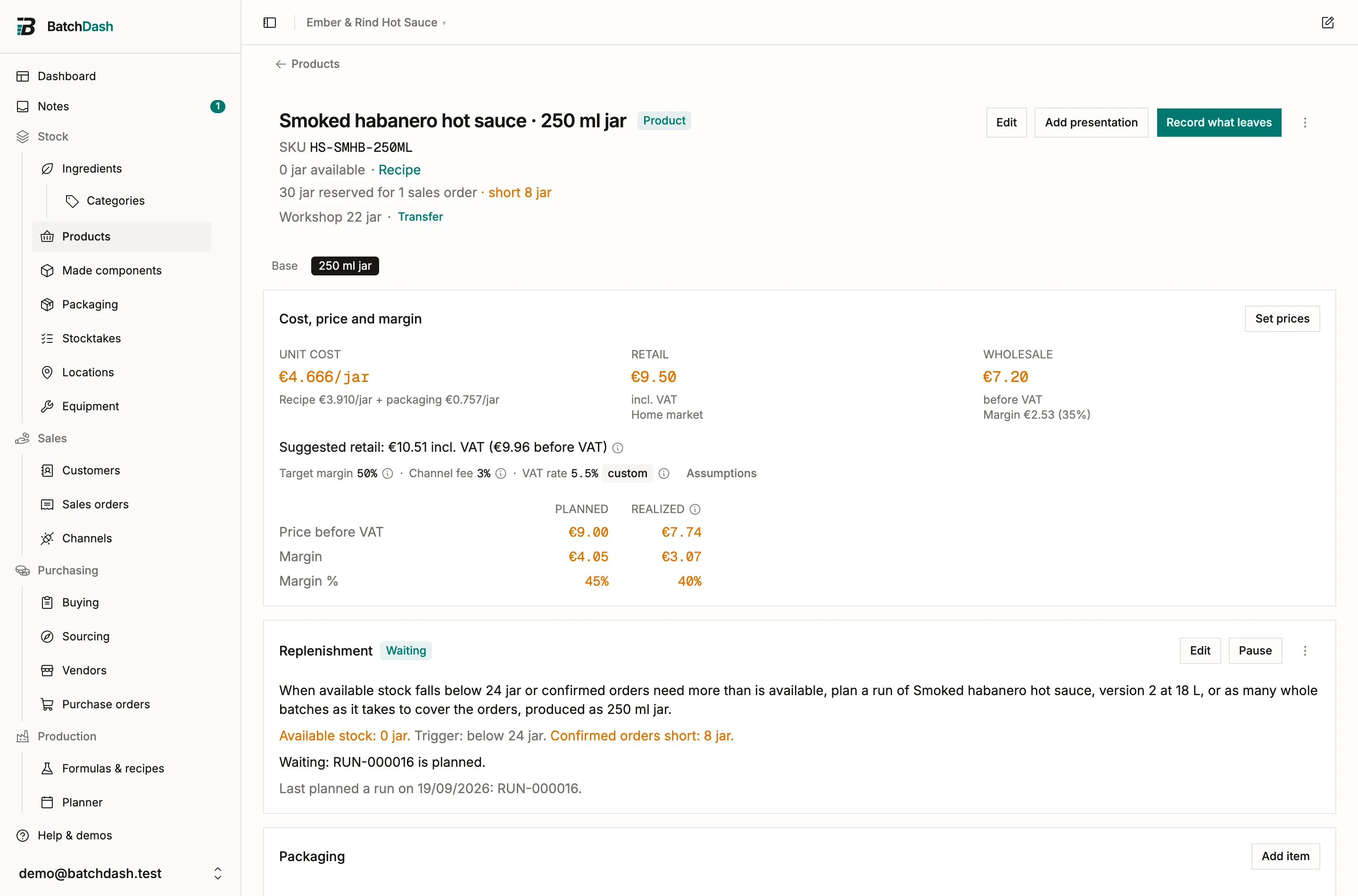
A price is a decision, and BatchDash gives you the three figures a decision needs: what a unit truly costs, what you have chosen to charge, and what units actually fetched. All three sit on the product page, in the Cost, price and margin card.
Two list prices per format
Section titled “Two list prices per format”Every format carries its own prices, because a 250 ml jar and a 1 L pouch are two products with two prices. Retail is the shelf price, VAT included: what the stall sign says. Wholesale is the invoice price, before VAT: what a shop pays. Open Set prices on the card (or Edit in the header) and type either or both; a blank field means “no price at this tier”, never zero.
Once you have declared a market, the retail price reads Home market under it: these are your home prices, in your base currency, with your home VAT rate. A line on an order in another market’s currency is typed rather than prefilled.
Under the wholesale price, one line says what that price earns per unit. No fee and no VAT come off it: a shop’s discount is the wholesale price itself.
The suggested price
Section titled “The suggested price”Under the prices, one sentence prices the unit for you: your unit cost, divided by the share of the price that is left once your target margin and your channel fee are taken out, then VAT added on top. With a unit cost of €1.84, a 55% target margin, a 3% channel fee and 5.5% VAT, the suggestion reads €4.64 incl. VAT (€4.40 before VAT).
The suggestion is only a reference: nothing writes it into the price field, and rounding to €4.90 or €4.99 is yours to type.
The three assumptions
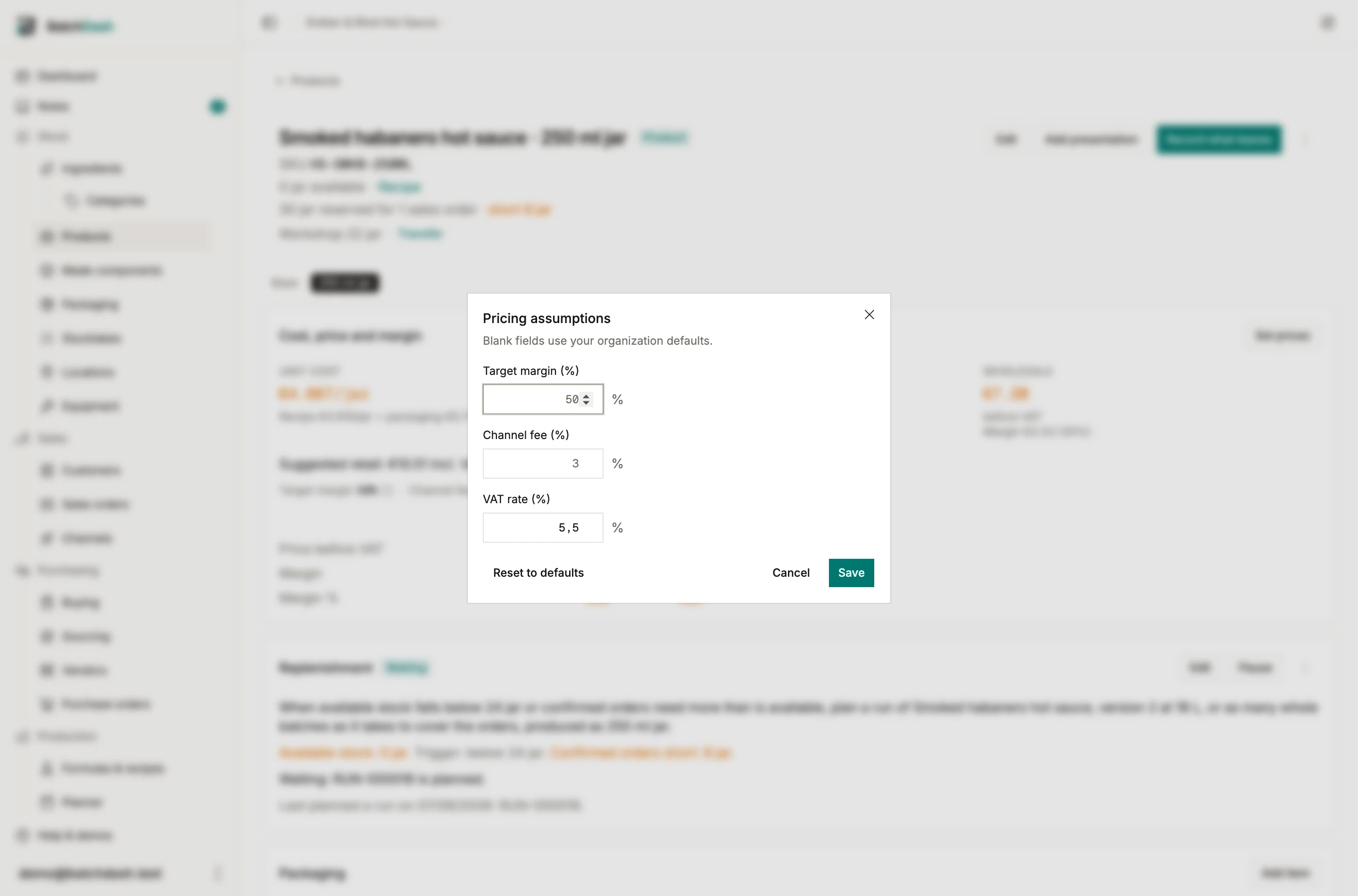
Section titled “The three assumptions”- Target margin is the share of the price before VAT you want left after cost and fees.
- Channel fee is what a marketplace or a card processor takes, as a share of what the customer pays, VAT included. That is how they bill, and it is why a 3% fee eats more than 3% of your margin.
- VAT rate is added on top of the price before VAT to make the shelf price. It never counts as margin.
Leave the VAT rate empty to price before VAT only. The suggestion then reads as a price before VAT, and recorded sales are compared as they were recorded.
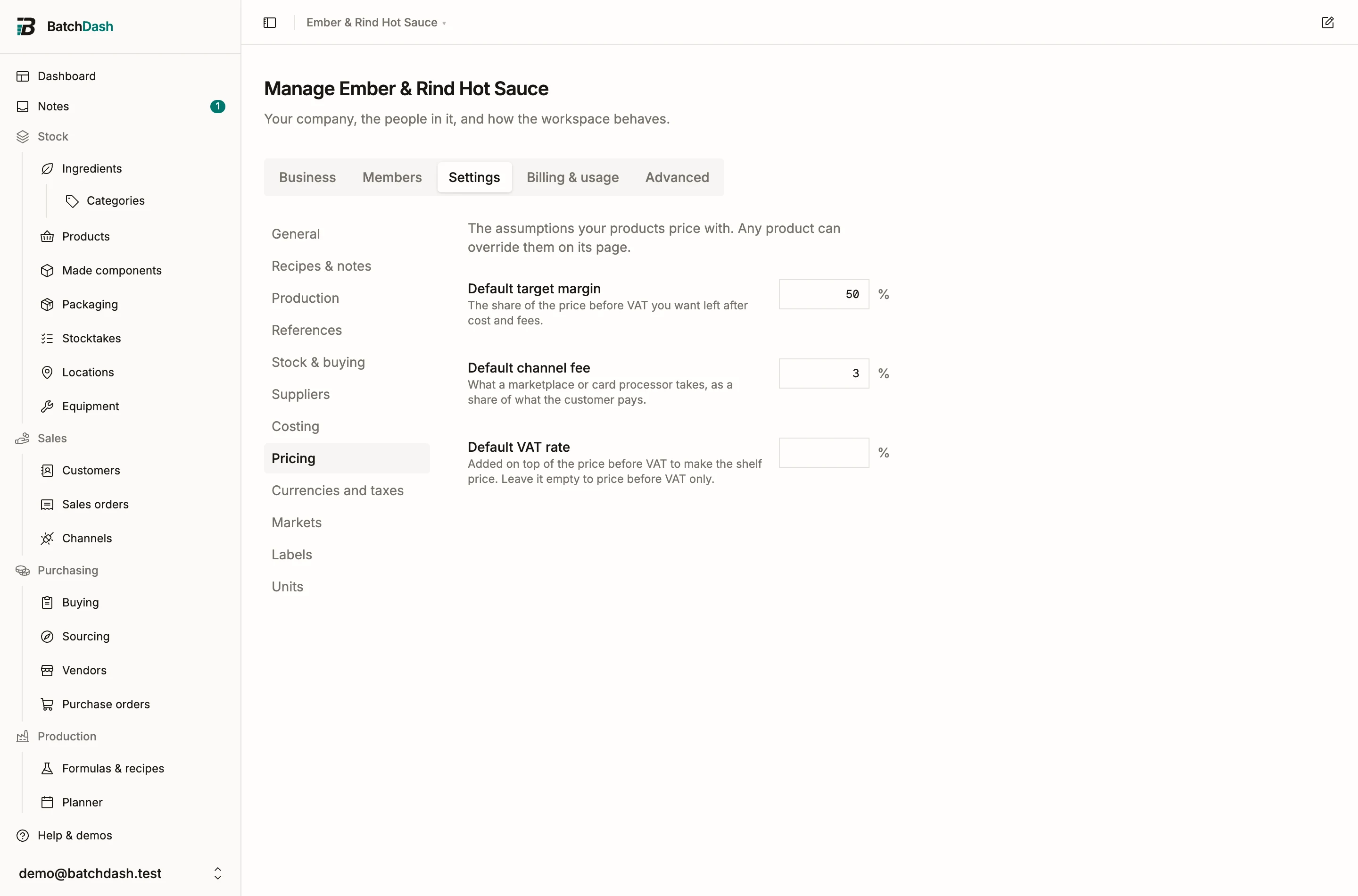
Your organization sets the defaults once, under Organization → Settings → Pricing. Any product can override any of the three from Assumptions on its card: jam at 5.5% and soap at 20% live in the same workspace. An overridden value wears a small “custom” chip.
When the margin and the fee together leave nothing for cost, the card says so instead of suggesting a price.
Planned beside realized
Section titled “Planned beside realized”The grid at the bottom compares what your retail price should earn (Planned) with what recorded sales actually earned (Realized): the price before VAT, the margin per unit, and the margin as a share of the price. With markets, each recorded sale gives back the rate its own line carried, so a jar sold at 5.5% in France and one sold at 19% in Germany are each compared at their own rate. Both columns are before VAT, so they can be read against each other. Recorded sales are what customers paid, so VAT is taken out of them; an order for a wholesale customer was typed before VAT already and is left as it is.
A negative margin turns red.
Before the first batch
Section titled “Before the first batch”A product you just created has no batch behind it, so it has no measured cost. It still has a recipe, and BatchDash costs it from that: the recipe’s cost per unit, scaled to what one of your units holds. A 250 ml jar of a recipe costed at €7.36 per kg reads €1.84. The sub-line under the figure says Estimated from the recipe, and the suggested price and the planned margin work off it, so you can decide the shelf price the day you set the product up.
The estimate is the figure the first batch will book, so nothing moves when you run it. One exception: if you count labor, equipment or overhead in a unit cost (Manage organization → Settings → Costing), the recipe only knows the ingredients, and the line says so. Those land when a batch measures them.
A product whose recipe is still to write has nothing to cost it from. Give it a contents cost on its page (a product before its recipe): the line says From the contents cost you set, and the suggestion and the planned margin work off it, packaging added.
A gift box works the same way from its parts, each costed as its own page costs it. A part with no batch behind it is costed from its recipe in turn, so a pack you have never filled still prices. A sold carton is priced per carton: what it holds at the product’s cost, plus its shipping box, against its own retail and wholesale prices. See packs.
Where the prices go next
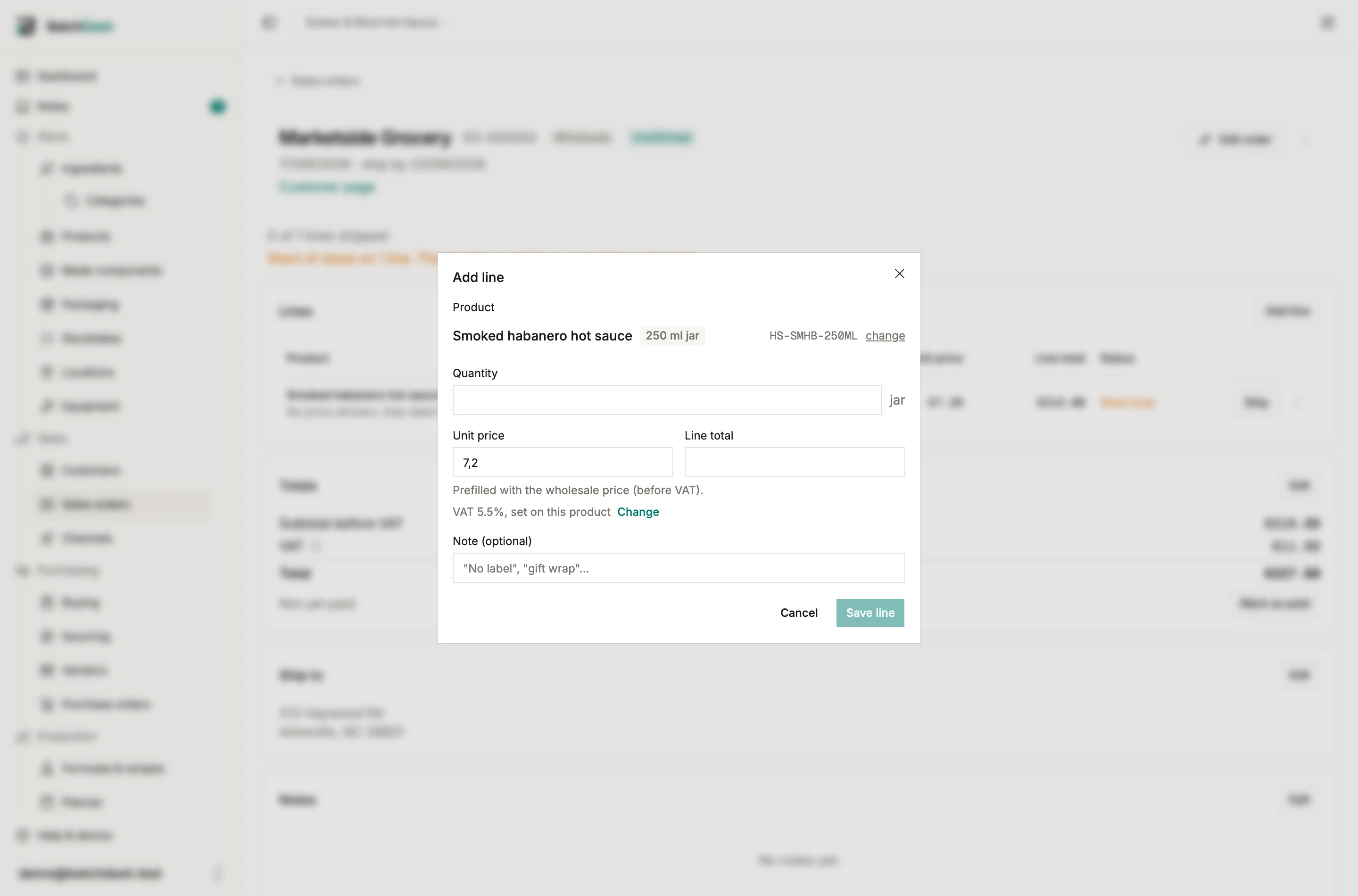
Section titled “Where the prices go next”Record stock shows the retail price under the sold-price field as a reference, with the total for the quantity you typed; the field itself never prefills, so a market discount is never a mistyped sale. A sales order line prefills the wholesale price for a customer marked Wholesale customer, and the retail price for anyone else; your customer’s own last agreed price stays one tap away under the field.