
Pushing stock to your shop
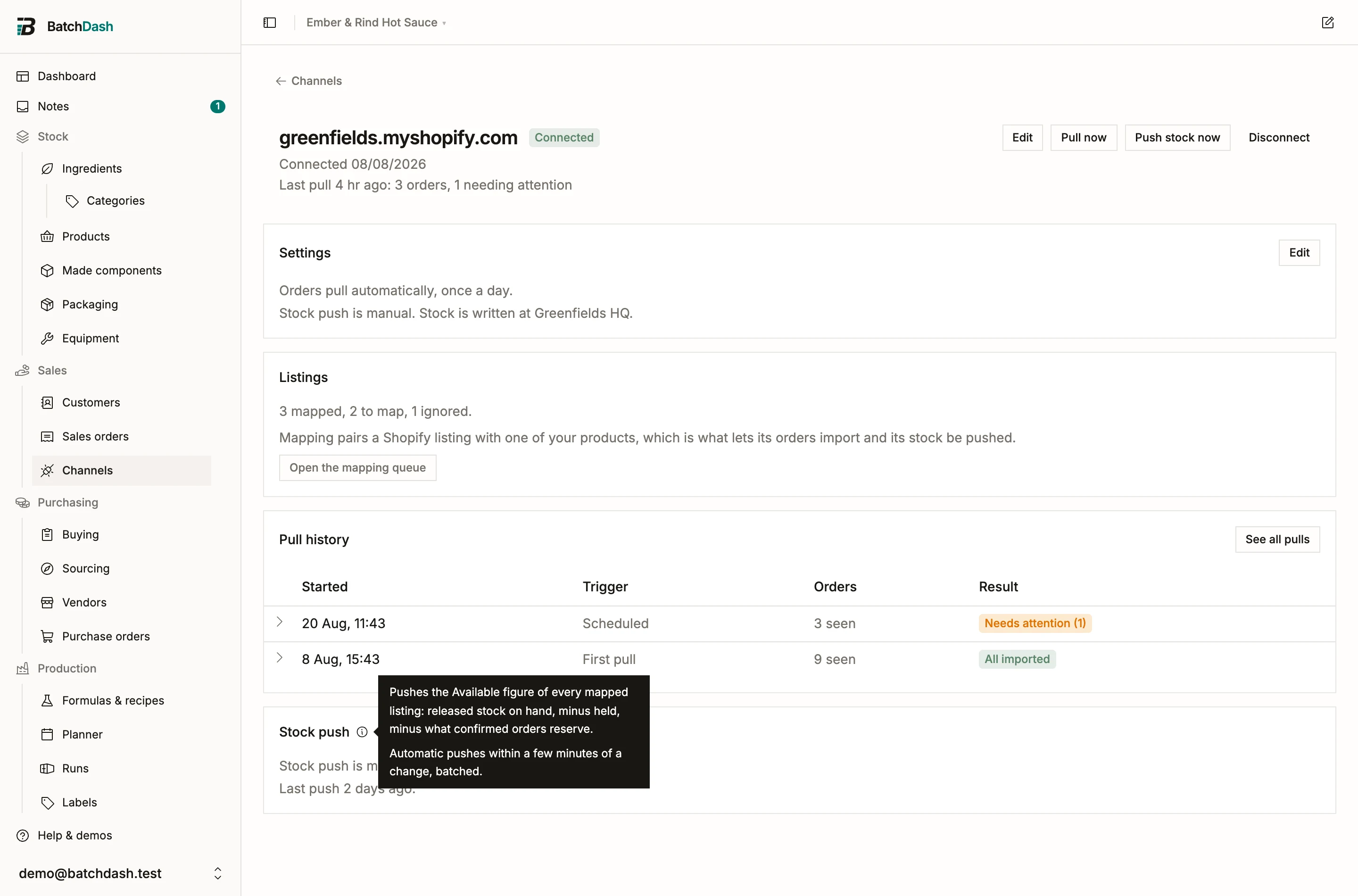
Stock push writes one number to Shopify for each mapped listing: Available. That is released stock on hand, minus what is held, minus what confirmed orders reserve. The shop can only promise what you can actually ship.
Two consequences do quiet work for you:
- A batch waiting on its release check is invisible to the shop. Releasing it is what puts it on sale.
- Stock a confirmed order reserves is never offered again, so a wholesale promise and the online shop cannot sell the same jar twice.
Available below zero pushes as zero. Channels do not accept negative quantities.
Three modes
Section titled “Three modes”Push starts Off: BatchDash never writes to the shop, and mapping and orders work fully without it. Manual pushes every mapped listing when you click Push stock now, which suits the maker who pushes after a production day. Automatic pushes within a few minutes of any change to a mapped product’s Available figure: a completed batch, a release, a shipment, a new reservation.
Change the mode in the connection’s settings (Edit). The same dialog picks which Shopify location the numbers are written to; a shop with several locations is a real question, and nothing is written until one is chosen.
Turning push on for the first time asks you to confirm what it means, in numbers: “BatchDash becomes the source of inventory numbers for the 3 mapped listings at Greenfields HQ. Their current Shopify quantities will be overwritten on the next push.”
What is never touched
Section titled “What is never touched”Push writes only inventory quantities. Your listings’ titles, images, descriptions and prices stay the shop’s own. Unmapped and ignored listings are never written, so hand-managed listings can live beside BatchDash-managed ones indefinitely. The shop’s Continue selling when out of stock policy also stays the shop owner’s call: it lives on Shopify, under each product’s inventory settings.
When a push fails
Section titled “When a push fails”A refused listing does not stop the others. The connection page’s Stock push card names each one with Shopify’s own reason, the connection card counts them, and failed listings retry on the next push: automatically in automatic mode, with the button in manual.