
Equipment, units and offers
The 30 L blender matters to your batch cost as much as the habaneros in it. The Equipment page keeps a record per tool: the physical units you own, what each one cost, the vendor options you might buy next, and an optional amortization method that spreads the price over what the tool produces.
Equipment holds no stock. Infusion bags, coder ink and anything else you use up while producing go in Packaging & consumables.
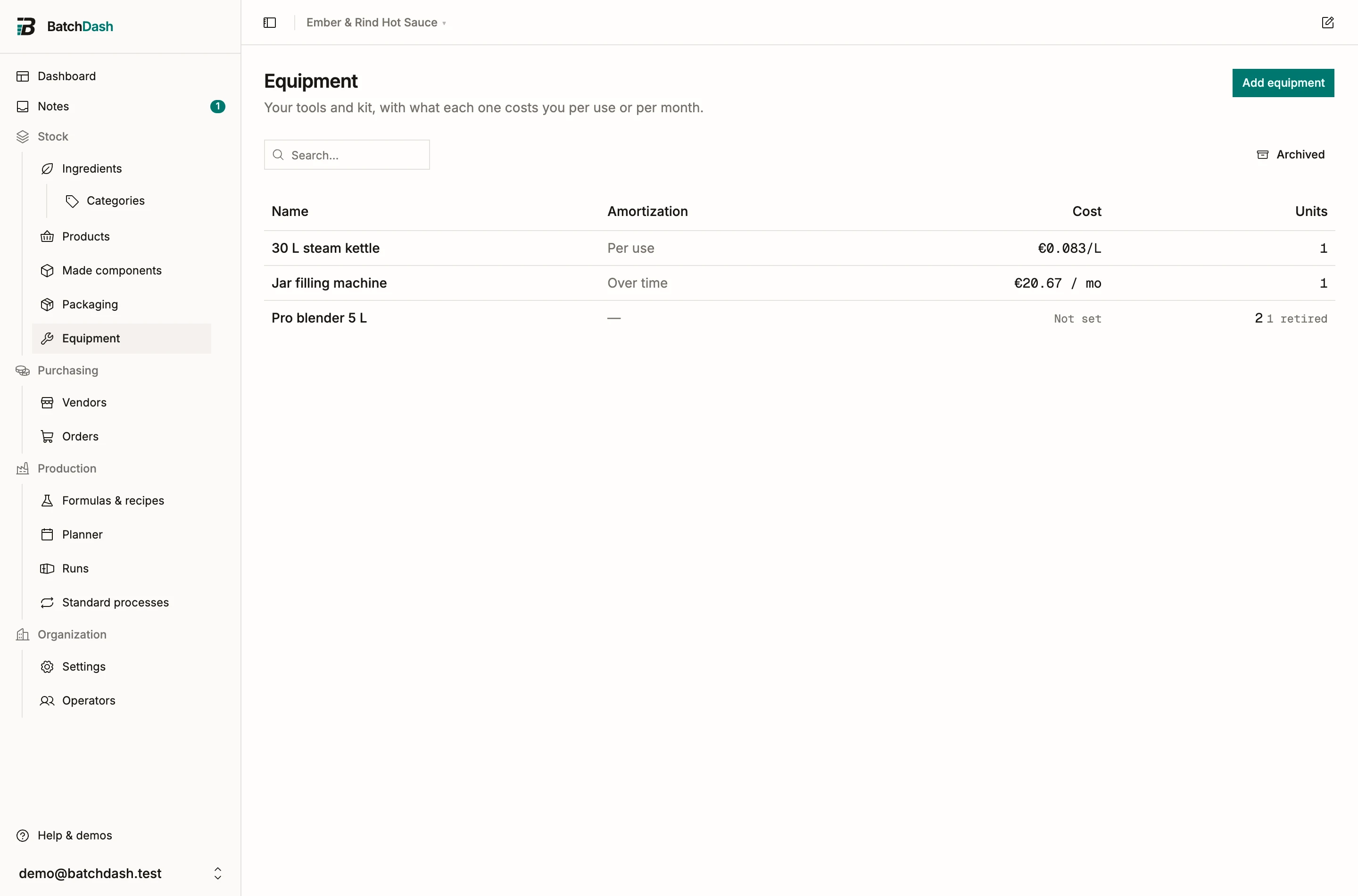
Create equipment
Section titled “Create equipment”Click Add equipment, name it (“Blender 30 L”), and pick an Amortization method, or None to decide later (Amortization and merging compares the options).
An equipment record describes the model. The machines you actually own are its units.
Units: the machines you own
Section titled “Units: the machines you own”In the Units section, Add unit records one physical machine:
- Acquisition cost and Acquisition date, both of which feed amortization.
- A Name / serial to tell twins apart.
- A Status: Active, In maintenance, or Retired.
- Bought from, linking the purchase option it came from.
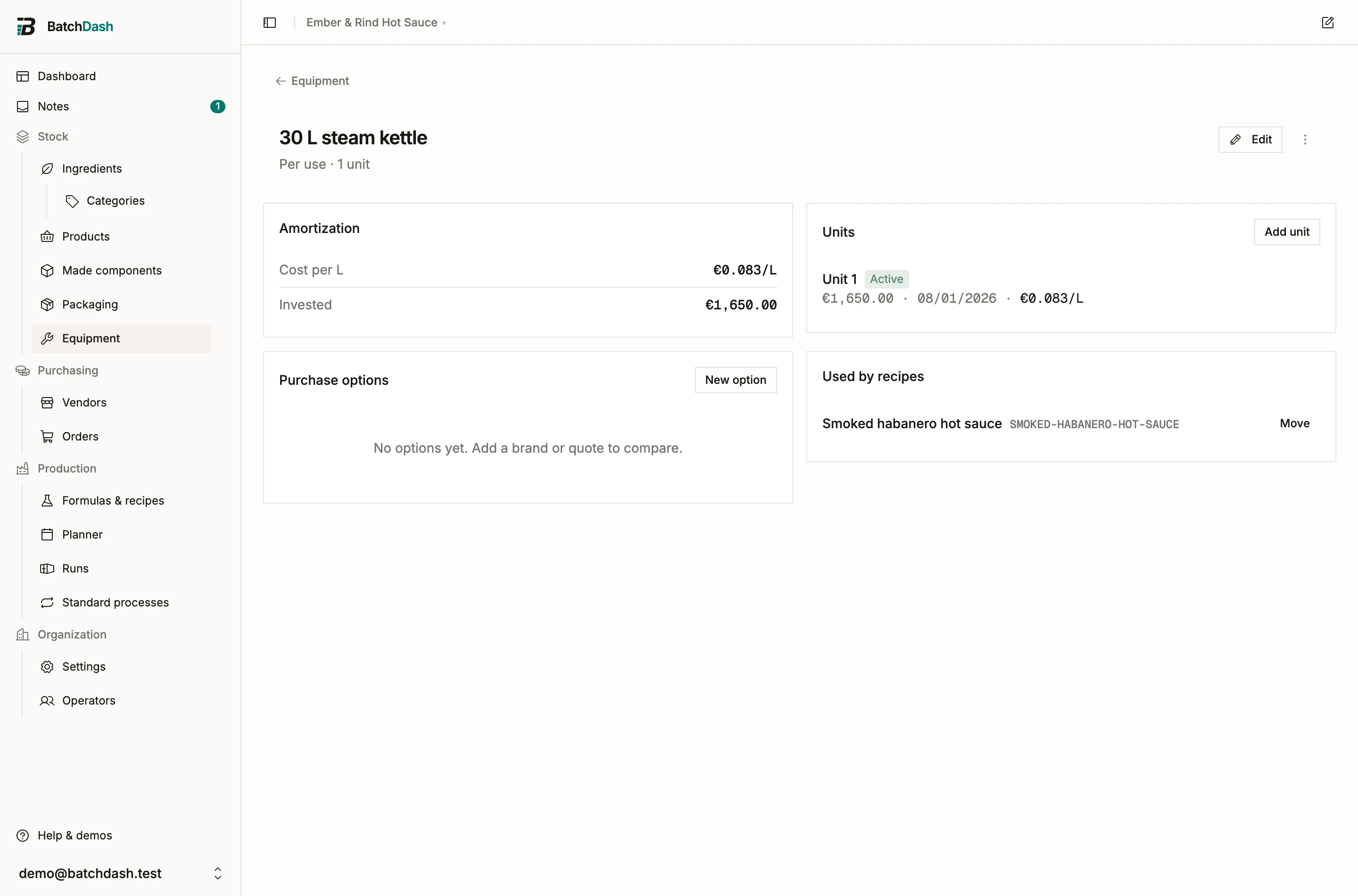
Own two blenders bought three years apart? Record two units, each with its own cost and date, and the depreciation figures stay correct. When a machine leaves service, Retire it: the unit stays on the record with its history instead of vanishing.
Purchase options
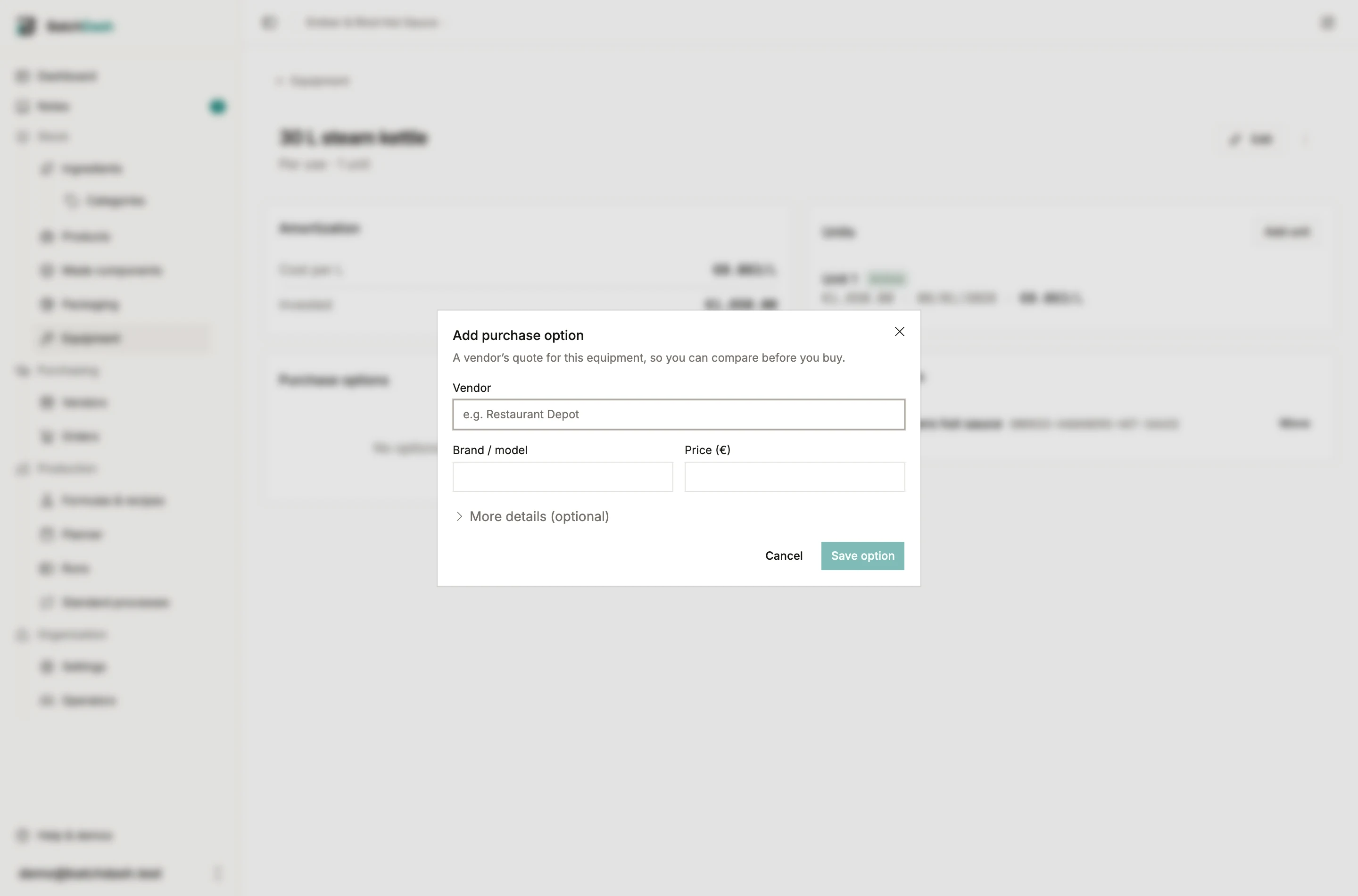
Section titled “Purchase options”The Purchase options section holds vendor quotes for this equipment. Click New option and a dialog opens: search a vendor and attach it (or type a new name to create it), give the Brand / model and Price, and open More details for a SKU, a Lead time (days), a link, and notes. Keep the two or three candidates you compared; the day a unit dies, the shortlist already exists. Stock one turns an option into an owned unit in one click, with the price and vendor prefilled.
When your plan includes buying in other currencies, the price is typed in the vendor’s currency, and a new vendor typed in the dialog comes with a Currency field set to your base currency. An option quoted in another currency than your base shows today’s reading under the price, “≈ €1,062.47 at today’s rate”, and Stock one books the unit at that figure, because what a machine cost is kept in your base currency. With no reference rate for that currency, the option says so and Stock one stays off. When the latest rate is more than a week old, the reading names its day instead, “≈ €1,062.47 at the rate from 28/08/2026, stale”: it is still the figure used, and it no longer passes for today’s.
Buying through a purchase order
Section titled “Buying through a purchase order”Equipment can also arrive the way ingredients do. On a purchase order, add a line and mark the new item as equipment (the “mixers, scales, molds” choice). When you receive the line, each piece received joins the equipment record as an owned unit at its landed cost, order fees included. Undo the delivery and you choose: remove those units as if they never arrived, or keep them and only drop the link to the order.
This module is part of the larger plans.