
Importing opening stock
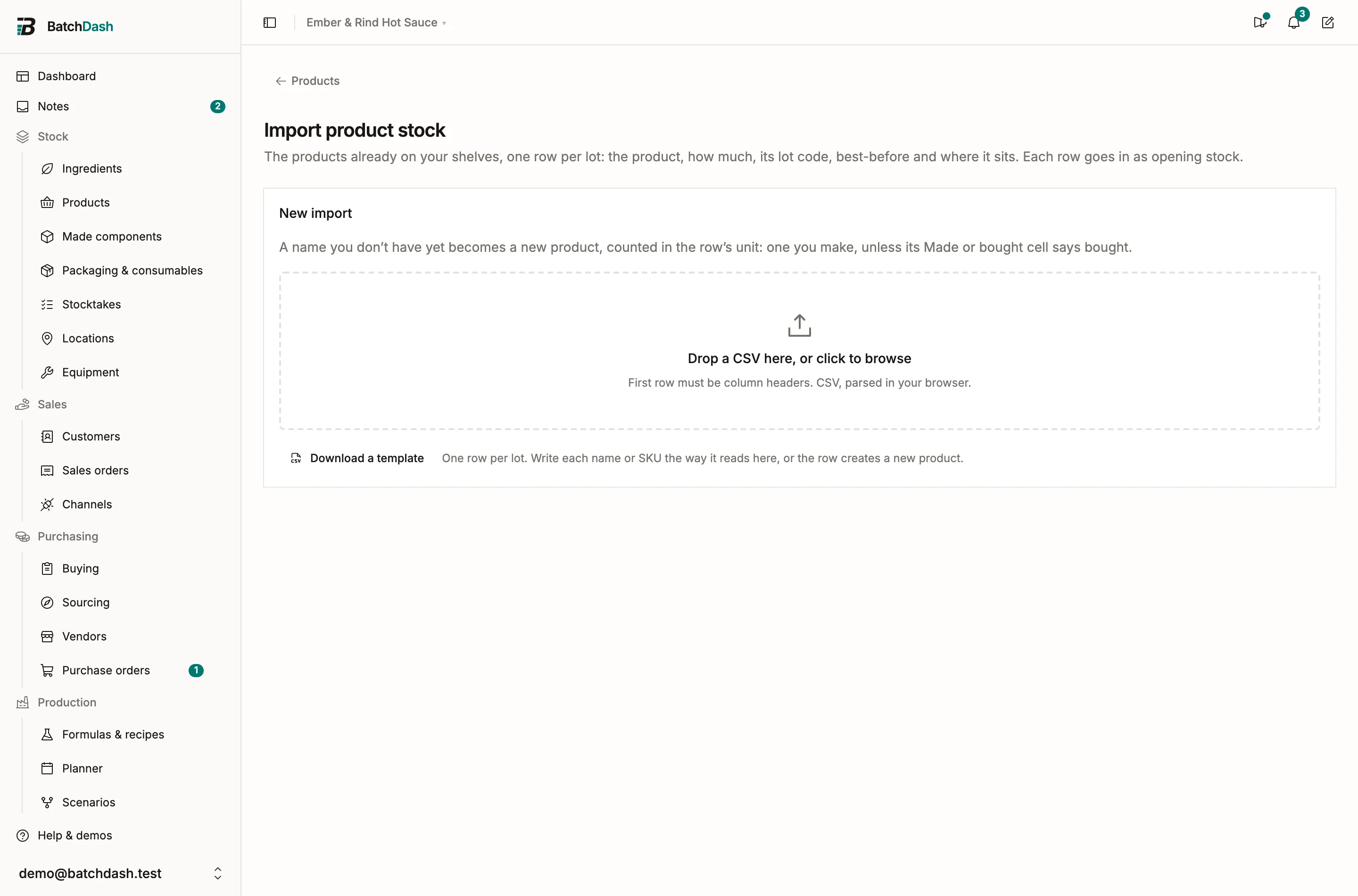
You arrive with a shelf that is already full: jars from last month’s batches, a sack of habaneros half used, labels in the stockroom, each lot with its code and best-before. The opening stock import brings that shelf in as it stands, one row per lot, and creates the items it names that you do not have yet. It is one file per kind of item: Opening stock in the Import menu of the Ingredients page brings in ingredients, the same entry on the Packaging page packaging, and on the Products page products. The imports page lists the three under What is on the shelf. A file only ever books and creates items of its own kind, so a product sheet never touches an ingredient. The upload, mapping and per-row checks work the same for every import kind; see CSV imports for that flow.
Columns
Section titled “Columns”| Field | Required | What goes in it |
|---|---|---|
| Item | Yes | The ingredient, packaging item or product, by name, or a product by its SKU |
| Quantity | Yes | How much of this lot is on the shelf |
| Unit cost | No | What one unit of this lot cost, per the unit the row counts in |
| Unit | No | The unit of the quantity, if it is not the item’s own. A new item needs one |
| Expiry date | No | The lot’s best-before or use-by date |
| Lot code | No | The code printed on the lot, up to 100 characters |
| Location | No | Where the lot sits, by the name or code of one of your locations |
| On hand since | No | The day the lot has been on the shelf since; blank means today |
| Currency | No | Read only to refuse a cost in another currency than your base one |
| Made or bought | No | Product files only, for a new product: made (the default) or bought ready-made |
A stock sheet exported from another tool usually maps itself. “Item name”, “Batch number”, “In stock” and “Average cost” find their fields, and so do French headers such as “Désignation”, “N° de lot”, “DLUO”, “PMP” and “Emplacement”. A column called just “Cost” or “Price” is never taken for the unit cost, since it could be a total or a selling price: map it by hand if it is the cost of one unit. Download a template gives you the headers ready to fill.
Which item a row books
Section titled “Which item a row books”Each row finds its item among the file’s kind, in this order:
- A pick you made on the row (Map to ingredient, Map to product) wins.
- In a product file, a product whose SKU is the cell.
- The name. A product can be named as the product page names it, with or without its format: “Smoked habanero hot sauce · 250 ml jar”.
One match is the item. When two products go by the name (two formats of one recipe), the row waits with “Several items go by this name. Map it to the right one.” Pick the item from the row’s Fix panel and save.
The ingredient file needs the right to manage the inventory, the packaging file the packaging module and the right to manage packaging, the product file the sellable stock module and the right to manage products. Two items never take stock at all: an unlimited ingredient, and a shipping supply.
Items you do not have yet
Section titled “Items you do not have yet”When nothing of the file’s kind goes by the name, importing the row creates the item and books its stock on it. The row says so first, “New ingredient. Importing creates it.”, so you can check each one before anything is written.
A name that belongs elsewhere is never made into a second item. The row waits and says why:
- it is one of your items of another kind: “This is one of your products. Its stock comes in with a product stock file.”
- it is an archived item: “An archived item goes by this name. Restore it to bring its stock in.”
- in a product file, it is a recipe that is not a product yet: “A recipe goes by this name and is not a product yet. Make it one with New product, then bring its stock in.”
A new item needs its unit, and is kept in it:
- An ingredient or a packaging item takes a unit BatchDash knows: kg, L, g, ml, or pcs for anything you count, kept as units. A unit it does not know is flagged “No unit goes by this name.”
- A product counted in a word is counted in that word, which also becomes its format: 24 “jars” creates a product counted in jars. A product kept by the kilo or the liter is kept in that unit.
- A new product is made here, with an empty recipe you write when you get to it. Until then it waits for its recipe: it sells, moves and gets counted, and its batches start at the recipe’s first ingredient. Write “bought” in the Made or bought column for one you buy ready-made; it needs bought products turned on, and is counted the way it arrives, by the jar or by the case, never by weight.
Write each name the way it reads in BatchDash. A name spelled another way (“Shea butter, raw” for “Shea butter”) creates a second item; its row says “New ingredient”, and Fix maps it to the one you have. The rows after the first one naming a new item book onto it, so a file with three lots of a new oil creates one oil. An item created by mistake can be deleted again with the stock the file gave it: archive it, then Delete permanently, which asks a second time before its stock history goes.
New ingredients and new products count against your plan like any others. When the file would go over the limit, nothing is imported and the message gives the limit.
Quantities and units
Section titled “Quantities and units”The quantity lands in the item’s own unit. For an ingredient, the Unit column converts through the usual conversions and the ingredient’s own equivalencies: 12 kg of an ingredient kept in grams books 12,000 g. A counted ingredient has to land on whole pieces, or on the smallest amount it divides into; a row that falls between two is flagged “This comes in fixed pieces, and the row falls between two of them.”
A product is counted in its own unit. Leave Unit blank, or write that unit or its plural: “jar” or “jars” for a product counted in jars, “bocal” or “bocaux” in a French file, or the plural your workspace gave the word under Settings. “pcs”, “units” or “u” count one of whatever the item is counted in, for a product and for an ingredient kept in units alike. Anything else is flagged “A product is counted in its own unit. Leave the unit blank or use that one.”
Lot codes, best-before and dates
Section titled “Lot codes, best-before and dates”Each row is one lot. The lot code and the best-before date go onto the lot as written, so the item’s page lists them and a trace finds them.
On hand since is the day the lot has been on the shelf. Blank means today. A date in the past takes its place in the item’s history, and the average cost is worked out again from that day. A date in the future is refused: “On hand since cannot be in the future.” Write dates as 2026-07-16, or day-first as 16/07/2026.
The same lot code in two places is two lots, both kept: a lot split between the stockroom and the fridge is two rows. The same line twice in a file, same item, same code and same place, is flagged as a duplicate.
A product lot code that is already on one of that product’s open lots gets a warning: “This product already has an open lot under this code. Importing adds a second one.” Importing the row does exactly that, which is right when two lots really share a code, and a slip to fix when the row is the lot you already have.
Places
Section titled “Places”With several places set up (locations), the Location cell says where the lot sits, by the place’s name or its code; a blank cell means your default place. An import never adds a place. When the file names places you do not have (“Cellar” for your “Cave”, a code from the old tool), a Locations in this file card appears under the column mapping, one line per name with the number of rows that give it: choose which of your locations each one is, once, and every row with that name follows. Until then those rows wait with “No location has this name. Choose which of yours it is under Locations in this file.” An archived place takes no stock until you restore it.
A workspace that keeps its stock in one place reads past the column. The row imports, and says “Your workspace keeps its stock in one place, so the location was left out.”
The unit cost is per the unit the row counts in: a row of 12 kg at 8.40 is 8.40 per kilo, stored per gram for an ingredient kept in grams. It seeds the weighted average cost the way a costed delivery would.
Leave the cell blank when you do not know the cost. The lot goes in uncosted and stays flagged until it has a cost. It never goes in at zero, which would pull every average down. Type 0 only for stock that really cost nothing.
The cost is in your base currency. A Currency cell naming another one refuses the row: “Priced in another currency than your base currency. Convert the price, or clear the currency.”
Importing the same sheet again
Section titled “Importing the same sheet again”A row already recorded as opening stock, same item, same lot code and same place, is skipped with “Already recorded as opening stock. To change it, count the item.” A file imported twice books everything once, so a sheet cut into several passes is safe to run again. To correct a quantity after the fact, count the item.
What a row books
Section titled “What a row books”Each committed row is an Opening stock entry in the item’s stock history, and a lot with its code, best-before and place on the item’s page. No batch record or delivery stands behind it, and the trace says so.
The opening stock import comes before past sales on the imports page for a reason: a past sale draws on the stock on hand, whatever its date. Bring in the shelf first, then the sales.