
Packaging items
A 250 ml jar of hot sauce is more than sauce: jar, lid, label, maybe a tamper band. The Packaging & consumables page tracks those items like stock, with their own levels, costs, and history, so the packed cost of a product is real and shortages surface before bottling day.
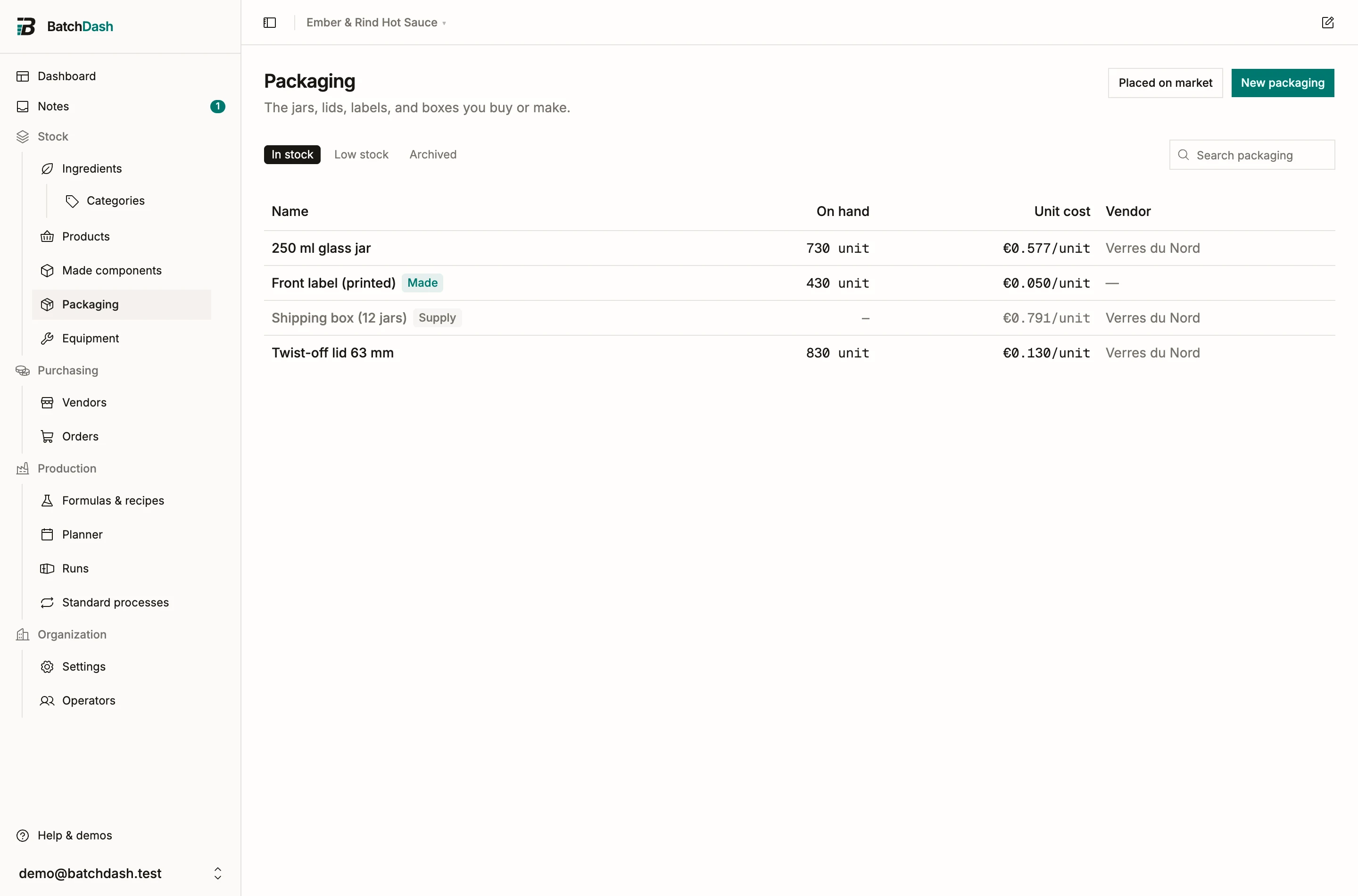
Add an item
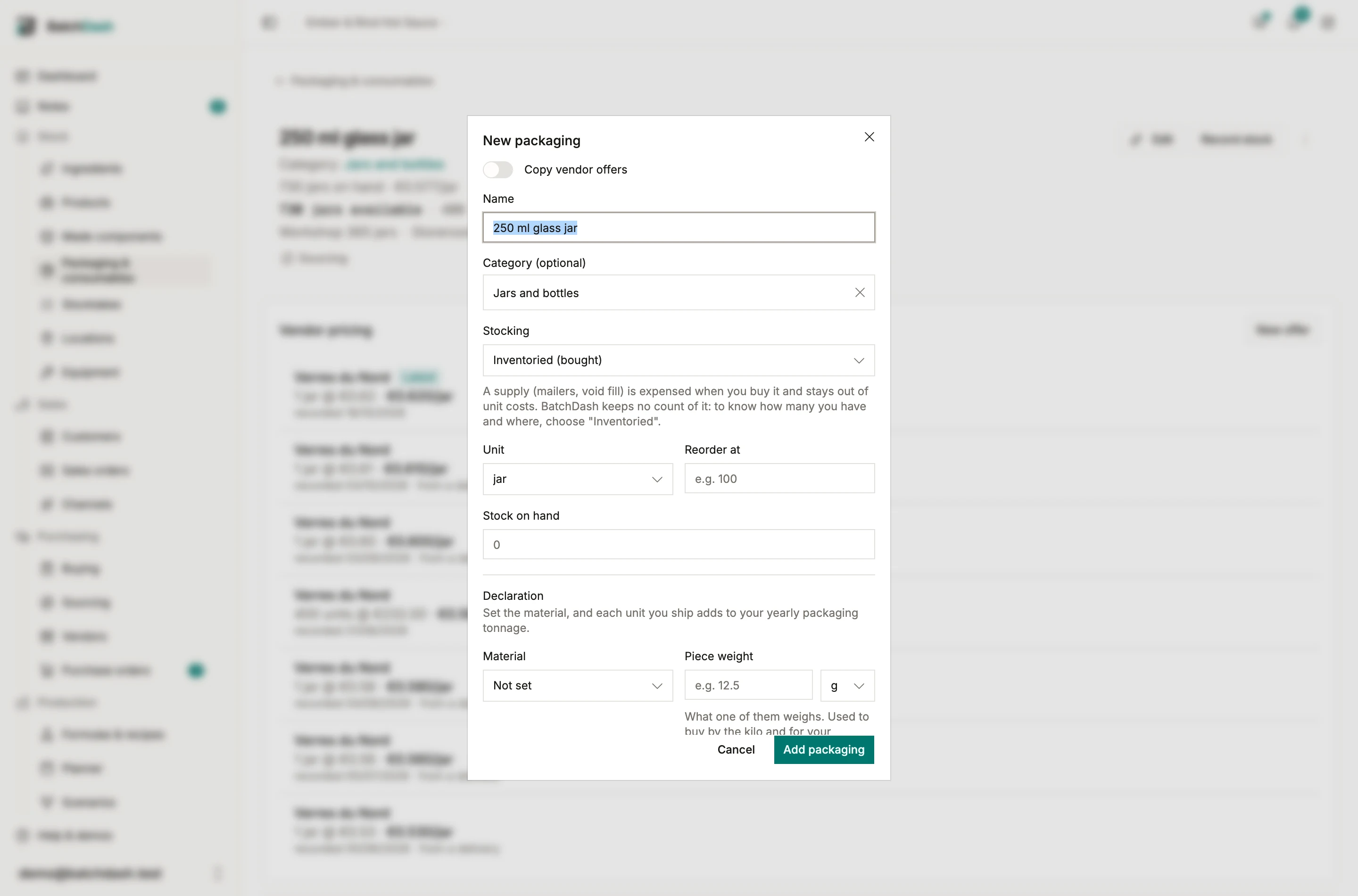
Section titled “Add an item”Click New packaging and set the Name, the Unit, the current Stock on hand, and a Reorder at threshold. The Stocking choice decides how the item behaves:
- Inventoried (bought): the normal case. Bought through orders, stocked, counted, costed.
- Made in-house: you produce it yourself. A printed label carries the cost of making it.
- Shipping supply: mailers, void fill, tape. The spend is recorded when you buy it, and it stays out of every unit cost. BatchDash keeps no count of it: if you want to know how many mailers are left and where, choose Inventoried instead.
Duplicate an item
Section titled “Duplicate an item”Labels or boxes that differ only by flavor start from one another. In the item’s ⋮ menu, click Duplicate: the New packaging dialog opens filled in from the item, with the name selected. Type the new name, click Add packaging, and the new item’s page opens. Everything else is the same: unit, stocking, reorder threshold, category, material, piece weight, recyclable and Triman. The stock starts at zero, with no history.
When the item has vendor offers, Copy vendor offers brings each vendor’s current prices along, one per quantity (1,000 labels, 5,000 labels), with their references, and the preferred vendor. It starts off, since a vendor often has a different reference for each flavor.
Stock and history
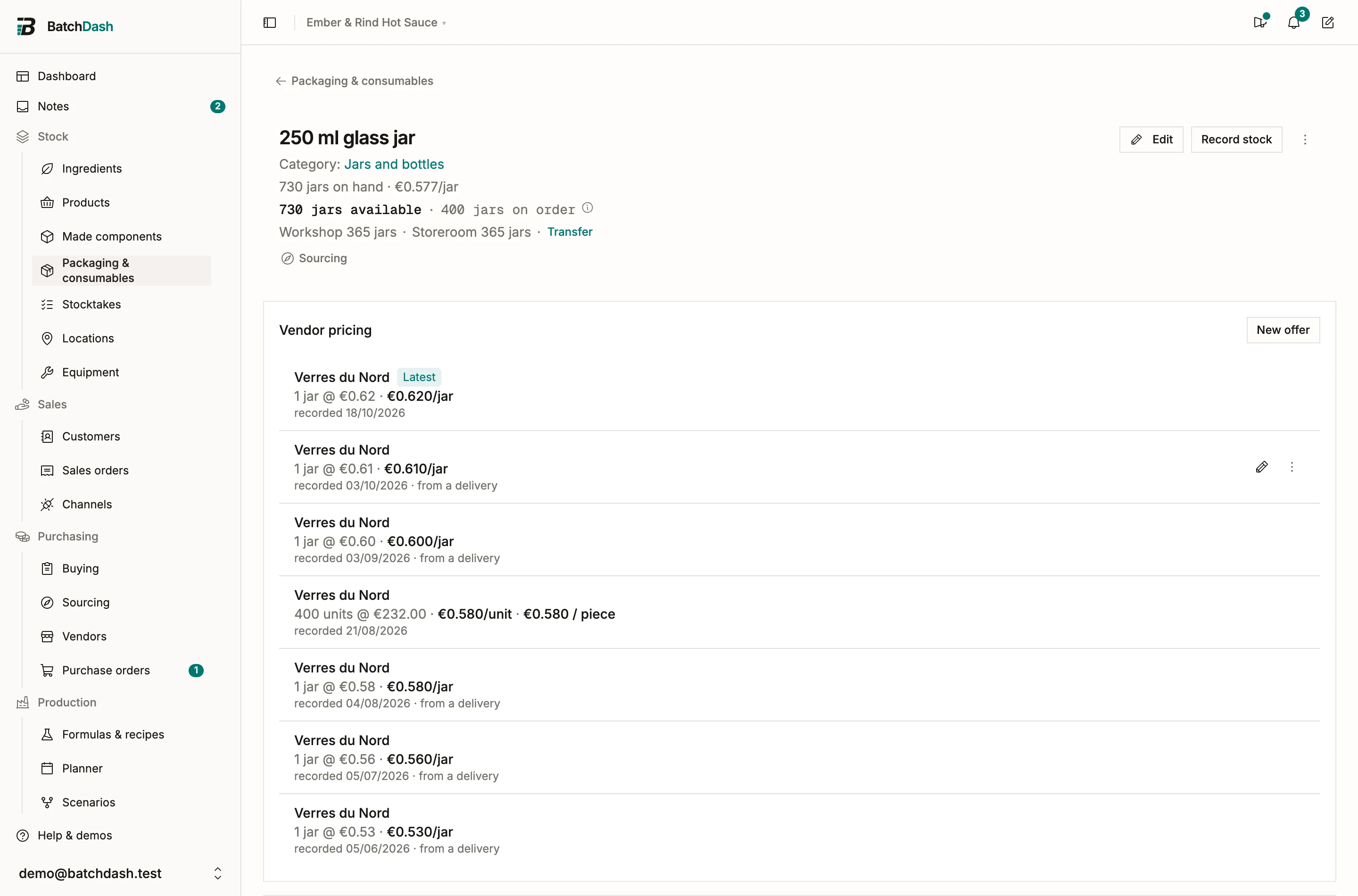
Section titled “Stock and history”Each item keeps a ledger like an ingredient’s: deliveries in, losses out, a running balance under Stock history. Buy packaging through purchase orders (mark the line as packaging) and receiving books the delivery at what you actually paid, fees included.
For everything an order does not cover, click Record stock, the same dialog an ingredient and a product have:
- Made a batch logs an in-house production, with a Cost per unit for what making one cost you (label stock, ink, card).
- Counted the shelf sets the balance to what a physical count actually found, with a Reason for why it moved (preset to Correction).
- Lost some records a loss, with a Reason when you pick one: Breakage for a dropped case.
Each row you typed has Correct in the history: its note, a delivery’s lot code and expiry, and Reverse this entry when the figure was wrong (reversing an entry).
Below the Reorder at threshold an item is flagged Low, at zero Out. Filter the list by In stock, Low stock, or Archived.
With two or more locations, packaging is tracked by place like an ingredient. The page says how much sits where (“Main 400 units · Storage hall 480 units”) and its Transfer moves bottles from one place to another. Record stock asks where it happened: a count is that shelf’s figure, and the total moves by the same difference. A batch takes its packaging from the place it is made in, and the list can be filtered to one place.
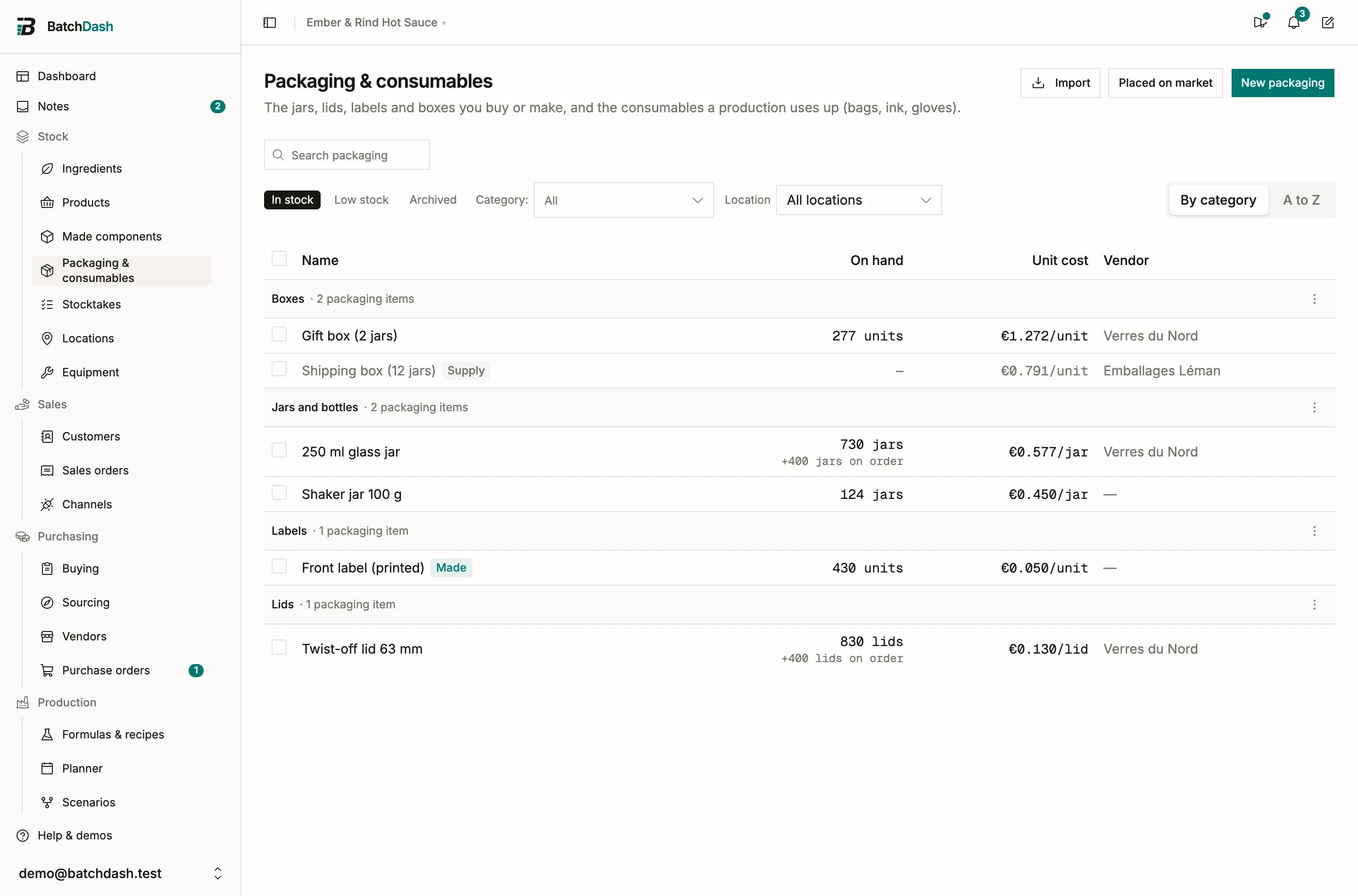
Tick the box at the left of a row to select it, and the filter row becomes an action bar with Set category and Archive: several items move or leave the list at once, an archive after a confirmation that names the count. The selection covers the page you are looking at.
Categories
Section titled “Categories”Packaging sorts in packaging categories of its own: jars and bottles, lids, labels, boxes. They live on the Packaging & consumables tab of the Categories page and never mix with ingredient categories.
- The Category: selector narrows the list to one category or to No category. If you manage categories, + New category sits at the foot of its list, even before your first one.
- By category groups the list under each category, and a group’s name opens the category’s page; A to Z adds a Category column. The layout you pick is remembered for you.
- Tick rows and choose Set category to file them in one go, with Undo in the toast.
- New packaging and the item’s Edit carry a Category field. A new item starts in the category the list is showing, and the item’s page names its category under the title, a link to the category’s page.
- Search finds an item by its category’s name too.
A packaging category’s page lists its items with Add packaging, and Remove from category in each row’s ⋮.
How packaging enters product cost
Section titled “How packaging enters product cost”Through the packaging set of each sellable product format. A “250 ml jar” format might take 1 jar, 1 lid and 1 label per jar. The set is consumed when a production books output in that format, a batch or a production recorded without a recipe: its items leave packaging stock and their unit costs land in the packed cost of the product. Selling the jars moves nothing more.
To give a product its packaging, open the product, and on the Packaging & consumables card click Add packaging. Pick the item, choose Per jar or Per batch under Used, type how many (1 per jar, 30 ml per batch), and save. Repeat for each item. A shipping supply never does: it stays an expense, outside any per-unit cost.
Consumables
Section titled “Consumables”Anything you stock and use up while producing goes here too: infusion bags, coder ink, gloves, filter paper. Create it like a jar, with New packaging, and add it to the product’s Packaging & consumables card so each production takes it from stock. Equipment is for the machines and tools you keep, and it holds no stock.
Coder ink spent once a batch is added Per batch. An item kept in ml or g is taken to the decimal (packaging per format).
An item created as a product by mistake does not move on its own. Create it here, then give it its stock with Record stock and Counted the shelf. Count the product down to zero and archive it from its ⋮ menu.
If what you sell must also be declared by weight and material (glass, plastic, cardboard), fill the declaration fields on each item; Packaging declaration explains the yearly rollup.
This module is part of the larger plans.