
Operators
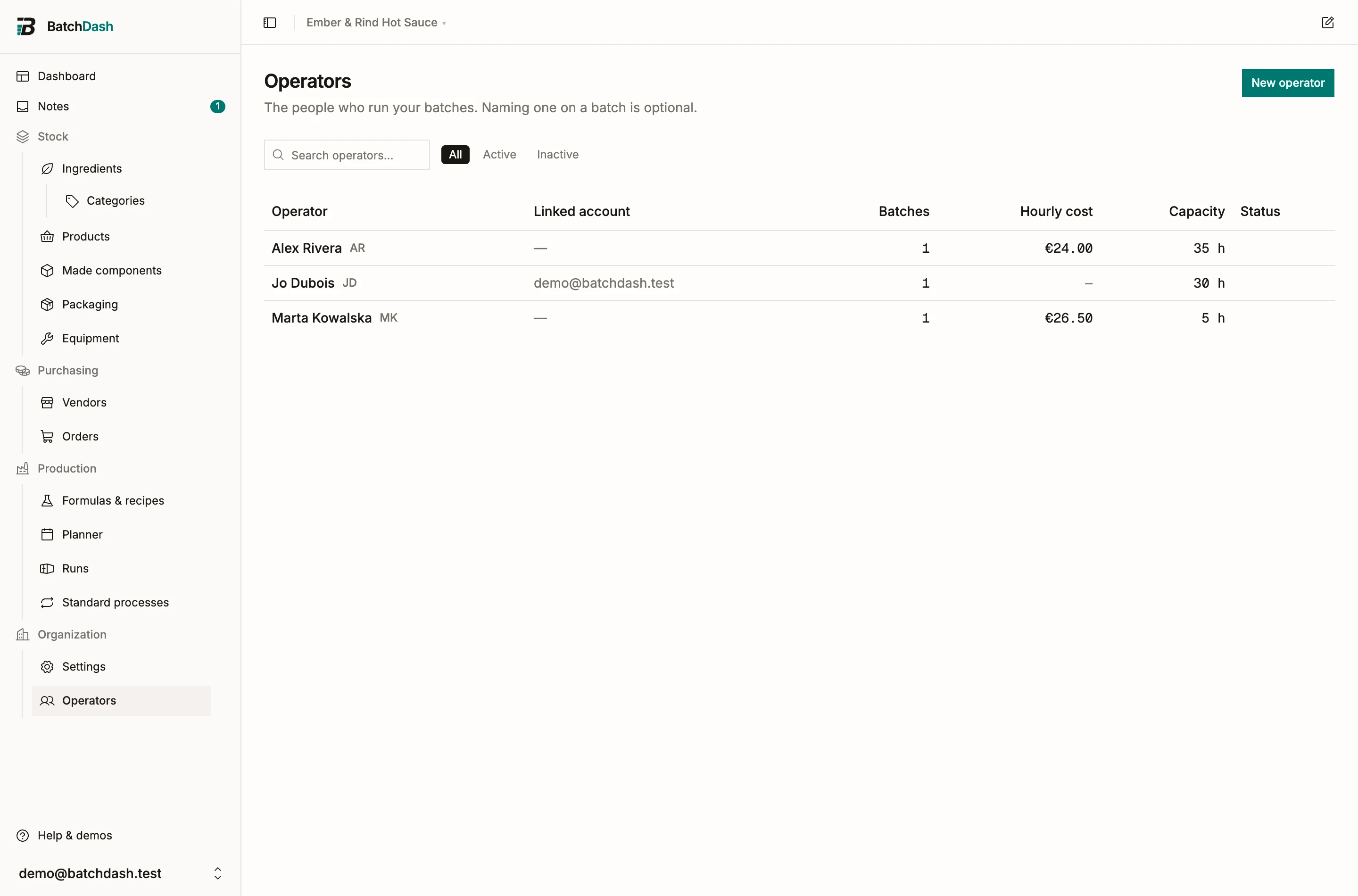
Operators are the people who physically run your batches. Naming one on a batch is optional, but once you do, every batch record says who made it, and every operator page lists what they made. When someone asks “who ran lot HS-2026-014”, the answer is one click away.
Adding operators
Section titled “Adding operators”Click New operator and give a name plus optional initials. If the name already exists you get a warning listing the existing operators, and you can still Add anyway (two people can share a name).
You put people on a batch from the run page itself, in Who worked on it, at any point before the record seals: while it is still being planned, mid-batch, on a test run. Starting a production run adds your own linked operator automatically, and staffing a batch on the planner puts those people on it too. Who signs the batch off is asked separately, in the completion dialog (see completing a run).
Linking an operator to a member
Section titled “Linking an operator to a member”An operator is a name on batches; a member is a login. Link a member attaches an operator to an app account. It only helps attribution. It grants no access.
You can also pick the account while creating the operator, in Linked account. The list shows only members not yet linked to an operator. Linking needs the right to manage members, so the field is missing for anyone without it.
If an operator should get access to the app, use Invite to the app: enter their email and a role, and BatchDash sends an invitation. Link them once they accept.
Deactivating, reactivating, deleting
Section titled “Deactivating, reactivating, deleting”People move on. Deactivate removes an operator from pickers while keeping their name on every batch they made. Reactivate brings them back later. Delete operator exists for mistakes only: it works when no batch names them; otherwise deactivate instead.
What the operator page shows
Section titled “What the operator page shows”Each operator page lists their batches: date, recipe, lot, output, and cost, with totals over a date range. Useful when an auditor asks what a given person produced in March, or when you want to know who has run a tricky recipe before.