
Start with what you already have
You already make and sell. Your ingredients live in a spreadsheet, the jars on the shelf carry lot codes, and you want to run that stock here now, with formulas and batches to come later. This page is the order of the move: places first, then the items, then the stock on them, then the history.
1. Name your places
Section titled “1. Name your places”If your stock sits in more than one place (a workshop, a walk-in fridge, a market van), create the locations first. The opening stock files name a place on each row, and each lot lands where it sits. An import never adds a place: a name in the file that is not one of yours is matched to one of yours on the import page, once for all its rows. With one place, skip this step.
2. Bring in the items
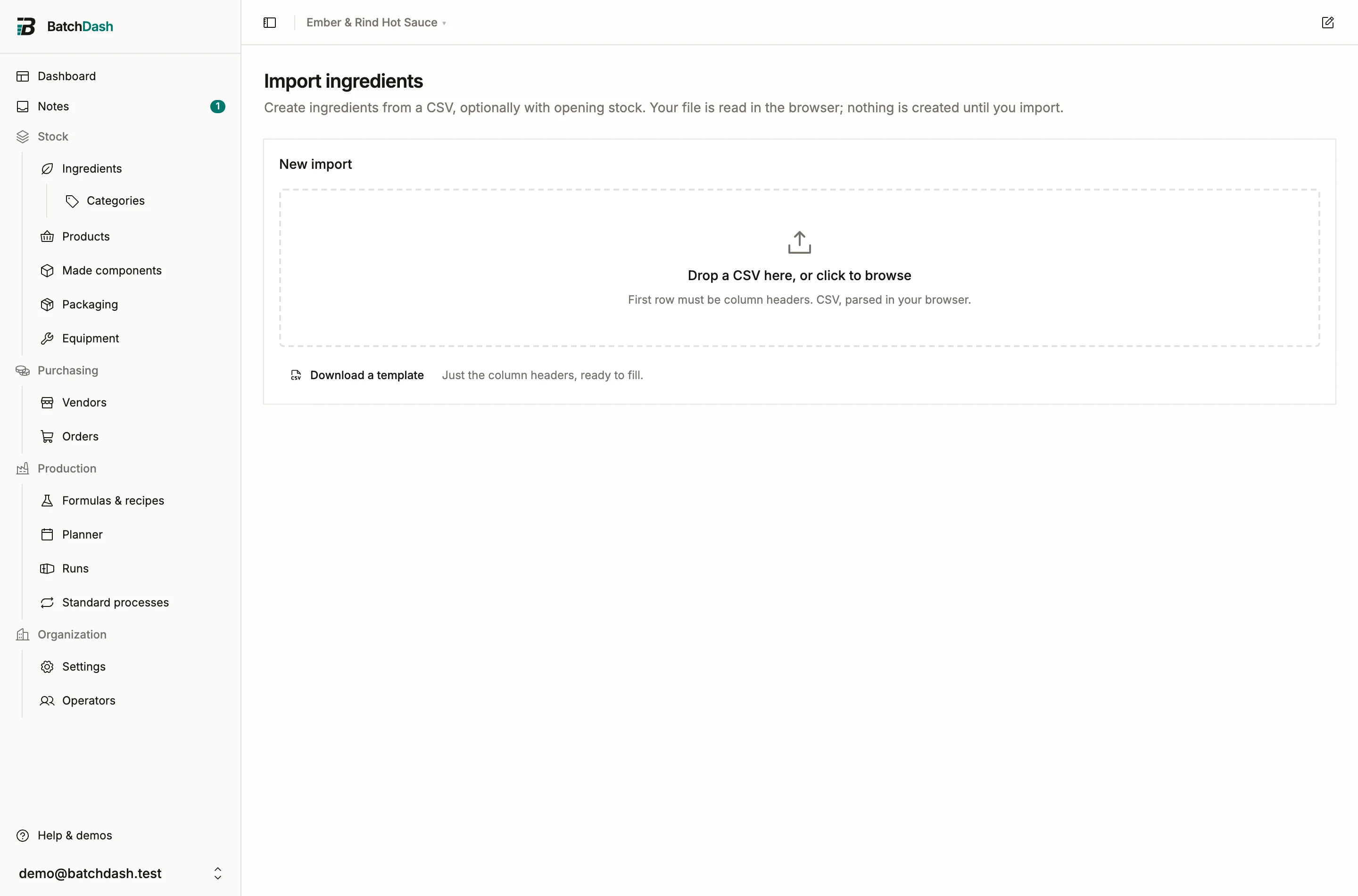
Section titled “2. Bring in the items”The stock sheet in step 3 creates any item it names that you do not have yet, kept in the row’s unit, and that is enough to start. The item files say more about each one, so bring them in first when you have them:
- Ingredients: the ingredients import creates them with their unit, category, density and piece weight.
- Products: the products import creates each product with its formats, SKU and barcode. Its made or bought column marks the ones you buy ready-made; the others wait for their recipe, which you write when you get to it.
- Vendors and their prices: the offers import brings in each vendor’s price list, and the vendors come with it.
Jars, lids and labels come in with the stock sheet, or are added on the Packaging & consumables page.
The Imports page lists every file in that order, with what the workspace already holds of each and a template to fill. While your workspace is empty, the dashboard puts it first.
3. The shelf, lot by lot
Section titled “3. The shelf, lot by lot”Now the quantities. The opening stock import takes one row per lot: the item, how much, its lot code, its best-before, its place and, if you know it, what it cost. It is one file per kind of item, reached from the Ingredients, Packaging & consumables and Products pages, so a sheet from another tool is split by kind first. A name you do not have yet creates an item of the file’s kind, and the preview shows each one before you import.
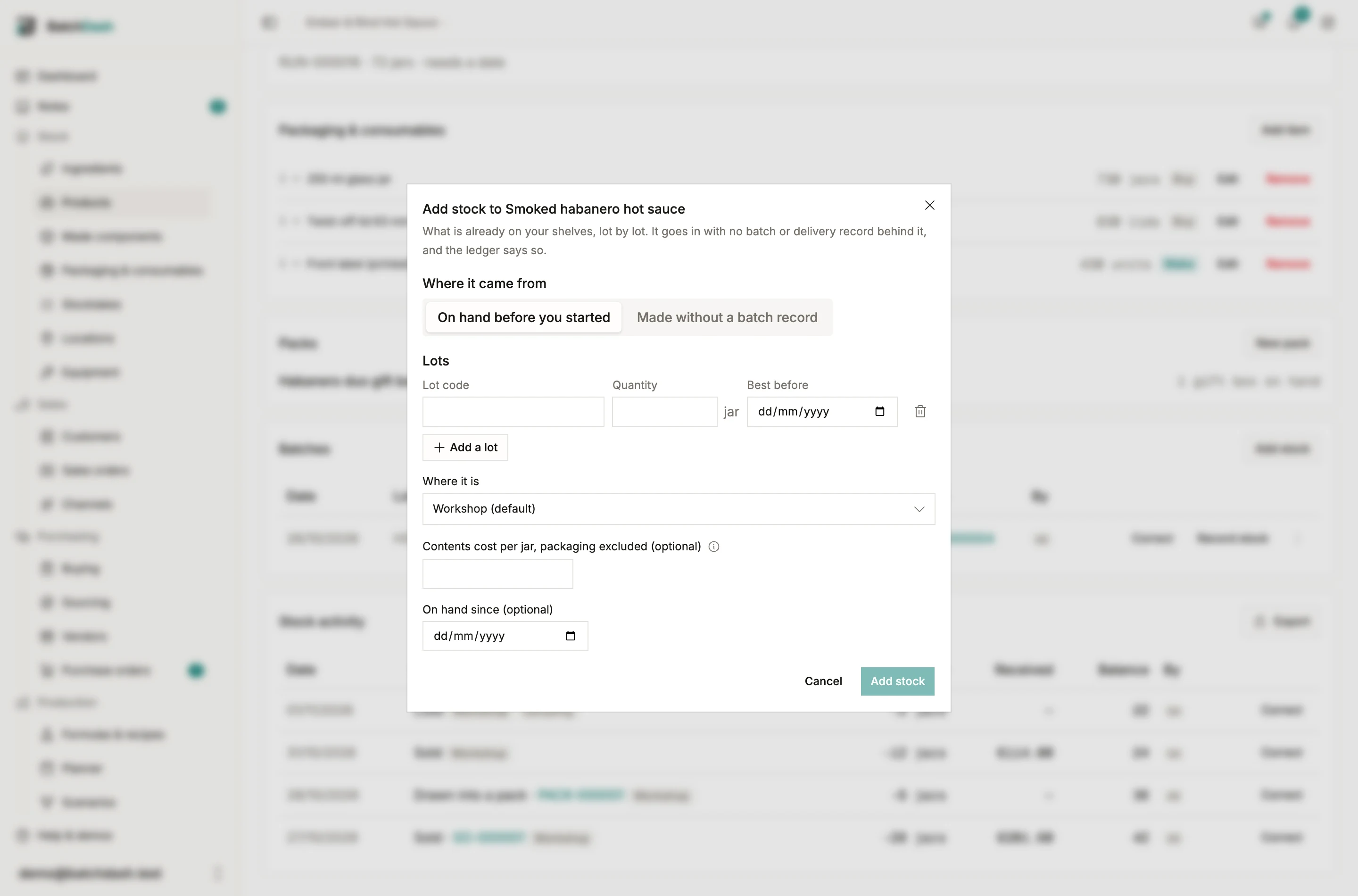
One item at a time works too. Open the ingredient, packaging item, component or product and click Add stock: one lot per row, its code, its best-before and its quantity.
4. History, if you want it
Section titled “4. History, if you want it”The shelf is today. Past sales and past deliveries are history, and each has its own file: past sales and deliveries. Bring them in after the opening stock. A past sale draws on the stock you entered whatever its date, so the import warns when a sale is dated before a product’s opening stock: your count probably took that sale off the shelf already.
What the labels mean
Section titled “What the labels mean”Stock that did not come from a batch says where it came from wherever it shows: on the lots card, in the movements, on the trace.
| Label | Where the stock came from |
|---|---|
| Opening stock | It was on hand before you started. No batch or delivery record sits behind it |
| No batch record | You made it here, without a batch record in BatchDash |
| Delivery | A vendor delivered it: a product you buy ready-made or have co-packed |
More on the first two in stock without a batch record.
What stays uncosted
Section titled “What stays uncosted”Leave the cost blank when you do not know it. The stock goes in uncosted and stays flagged until something gives it a cost: a delivery, a batch, or you. A typed 0 means the stock cost nothing. An uncosted lot never counts as zero in an average; it waits for its figure.
What does not come across
Section titled “What does not come across”Recipes, batch records and process sheets are in no file. A product a file created waits for its recipe: Write its recipe on its page opens that recipe, ready for its first ingredient. For a recipe with no product behind it yet, the recipe reader can read a document for you. Lots from batches you made before BatchDash come in as opening stock: there is no batch record here to show for them.
If your spreadsheet fits none of these files, send us a sample and we will tell you which columns go where.