
Importing past sales
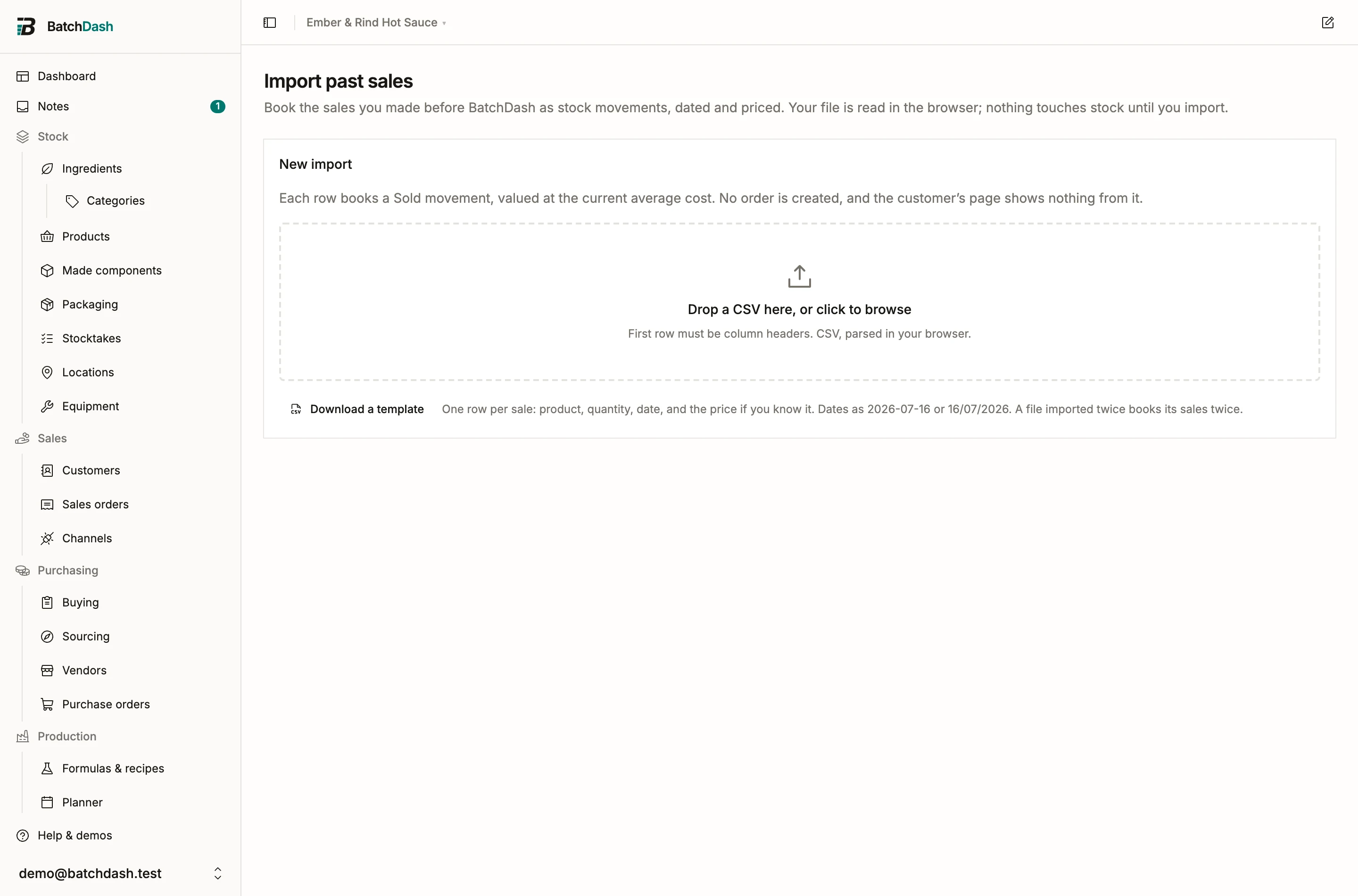
You arrive with a season of sales in a spreadsheet and want your margin figures to start from day one, not from your first sale in BatchDash. The past-sales import books each row as a real Sold movement in the product’s ledger, dated and priced, the same movement Record stock writes. The upload, mapping and per-row checks work the same for every import kind; see CSV imports for that flow. You reach it from the Import menu on the Products page, under Past sales.
Columns
Section titled “Columns”| Field | Required | What goes in it |
|---|---|---|
| Product | Yes | The product sold, by SKU or by name. It must already exist |
| Quantity | Yes | Units sold, in the format’s own unit |
| Date | Yes | The sale date, as 2026-07-16 or 16/07/2026; never later than today |
| Total price | No | What the sale brought in, for the whole quantity, in your base currency |
| Customer | No | The buyer’s name; an unknown name creates the customer |
| Notes | No | Channel, market day, order number |
Common header names map on their own: “sku” finds Product, “amount” finds Total price. Anything else you match by hand under Column mapping.
Matching the product
Section titled “Matching the product”A product cell holding a SKU matches that format exactly. A cell holding a name matches the product’s display name, “Smoked habanero hot sauce · 250 ml jar” for a named format, or the recipe’s name alone when the recipe sells in a single format. A cell that matches nothing is flagged “No product matches this name or SKU. Map it to one of your products.”; a name shared by several formats is flagged “Several products match this name. Map it to the right one.” In both cases Map to product on the row lets you choose; the picker offers every active format with its SKU. Import your products first if they are not in BatchDash yet, then their opening stock.
What a row books
Section titled “What a row books”A Sold movement on the product, dated with the row’s date, for the quantity, with the total price when you gave one. It draws stock from the lots expiring first, like any sale; no lot is named. The movement shows in the product’s stock activity, feeds the average sale price and the realized margin on the product page, and lands in the cost of goods sold report for its month.
The cost side of an imported sale is the product’s average cost at the moment you import, because the ledger never rewrites history. A sale from last spring booked today carries today’s average cost, and the margin figure says so.
Customers
Section titled “Customers”A customer cell matches one of your active customers by name (capitalization does not matter); an unknown name creates the customer when you import, exactly like a vendor in the offers import. The movement’s note carries the customer’s name in front of your own notes.
Several people can carry the same name, and picking one of them would put a real sale against the wrong person. So a name your records hold twice links the sale to nobody, and the row says so: “Several customers have this name, so this sale is linked to none of them. The name stays in the note; map the row to link it.” Map to customer points the row at the record you mean, and does the same when the file spells a name differently from yours.
One boundary to know: no sales order is created. The sale is ledger history on the product, so the customer’s page shows no order from it and its order count does not move. Sales you record from now on appear there as usual.
When stock runs short
Section titled “When stock runs short”Rows are booked in file order. A sale beyond what the product holds on hand is refused under your stock policy: the row is flagged “Not enough on hand for this sale. Import opening stock dated before it, or allow short sales.” and the rest of the file continues. Under the warn policy, the switch Book sales even when stock runs short lets those rows go through and the level goes negative, to be corrected by a count later; under the block policy no switch exists; under the assist policy the missing quantity is corrected in first, as it is on the product page. The policy is set in organization settings.
A sale dated before the product’s opening stock imports with a warning: “Dated before this product’s opening stock. It still draws on that stock, which may already have counted this sale.” The opening stock is the shelf as you counted it on a given day. A sale from before that day had already left the shelf when you counted, so booking it takes the same jars off a second time. Import those rows only if your opening stock was counted before the sales happened.
Two more boundaries. A row your records already hold exactly (same product, day, quantity, price and note) waits instead of booking: “This sale is already booked.” That is what stops a file imported twice from booking every sale twice. Two identical rows on one day can still be two real sales, so Fix offers Import anyway on the row, and each sale already recorded holds back one row, never more. And a date in the future flags the row instead of booking a sale that has not happened.