
Profile and preferences
Most settings in BatchDash belong to the organization. Profile settings are yours alone: they follow your account across every organization you belong to. Open them from the account menu, under Profile settings.
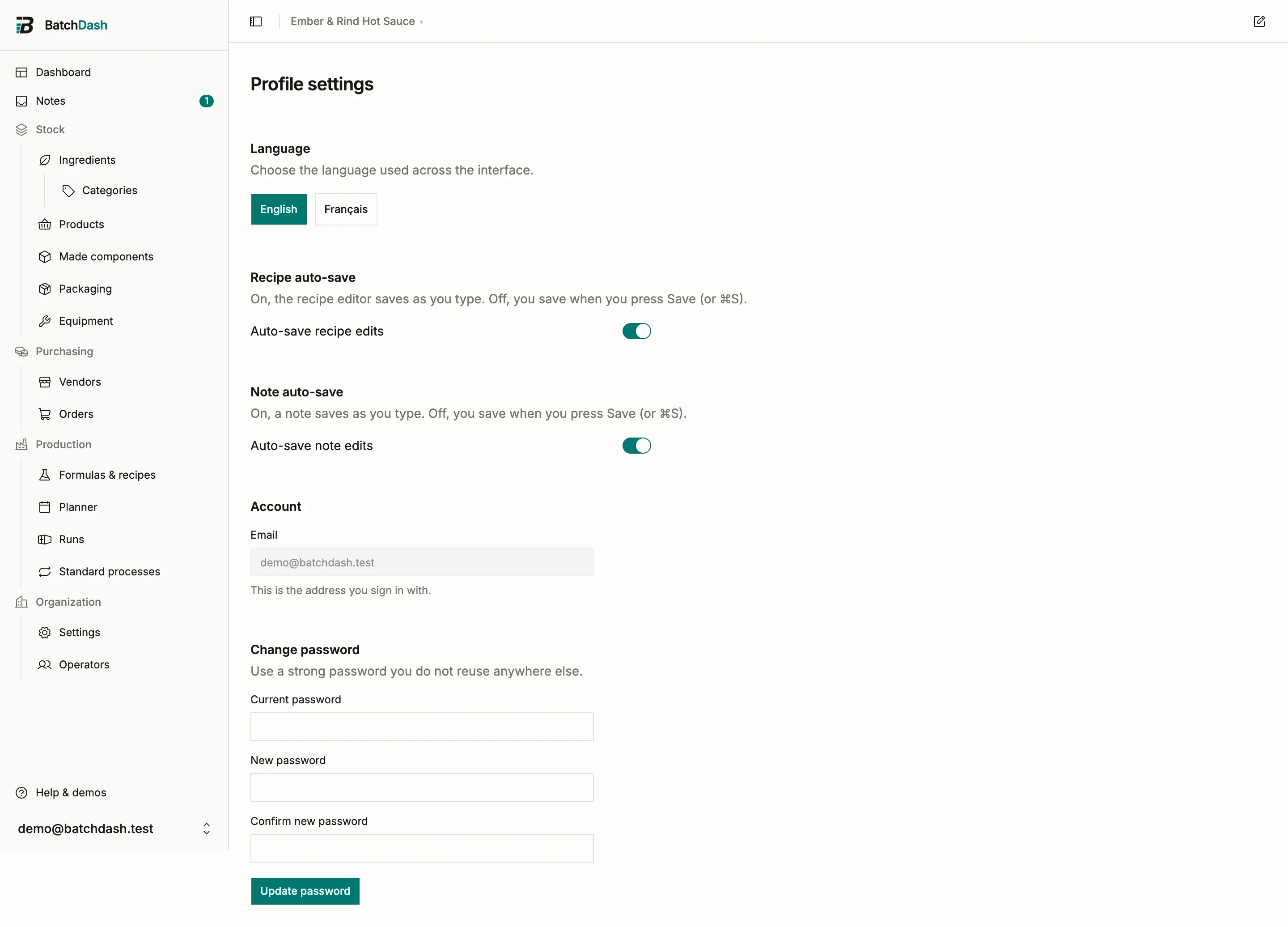
Language
Section titled “Language”Pick English or Français and the interface switches immediately. The choice is personal: a colleague can work in French while you keep English in the same organization. Numbers and dates follow the language you pick. This help center exists in both languages too.
Recipe auto-save
Section titled “Recipe auto-save”With Auto-save recipe edits on, the recipe editor saves your changes as you make them; useful when you spend the afternoon nudging percentages on the bench. Turn it off and the editor only saves when you press Save, so you can make a change and save it when you are ready.
This switch is personal, with one exception: if the organization has turned auto-save off for everyone, the preference disappears from this page and manual saving applies. That workspace-wide setting is described in organization settings.
Note auto-save
Section titled “Note auto-save”Notes work the same way. With Auto-save note edits on, a note saves as you type, so an idea you scribble mid-batch is there when you come back. Turn it off and a note saves only when you press Save (or ⌘S), and BatchDash warns you before you leave a note with changes you have not saved.
This switch appears only when your organization uses notes and still allows note auto-save. If the organization has turned it off for everyone, manual saving applies and the preference disappears here, just like recipe auto-save.
Account
Section titled “Account”The Account section shows your email address. It is the address you sign in with, and the one invitations and account emails go to.
Changing your password
Section titled “Changing your password”Under Change password, enter your current password, then the new one twice, and press Update password. Use a strong password you do not reuse anywhere else. The change takes effect right away.
Everything else you might look for, like renaming the workspace or managing members, lives on the organization side: start at organization settings or members, roles and invitations.
Notifications
Section titled “Notifications”The Notifications tab lists what you can be told in the current workspace, one group at a time. Today and notifications explains each one.