
Sell and buy in packs
A carton you sell is a product of its own on an order, with its SKU, its barcode and its price per carton. Its jars still come out of the sauce’s stock.
Selling a pack
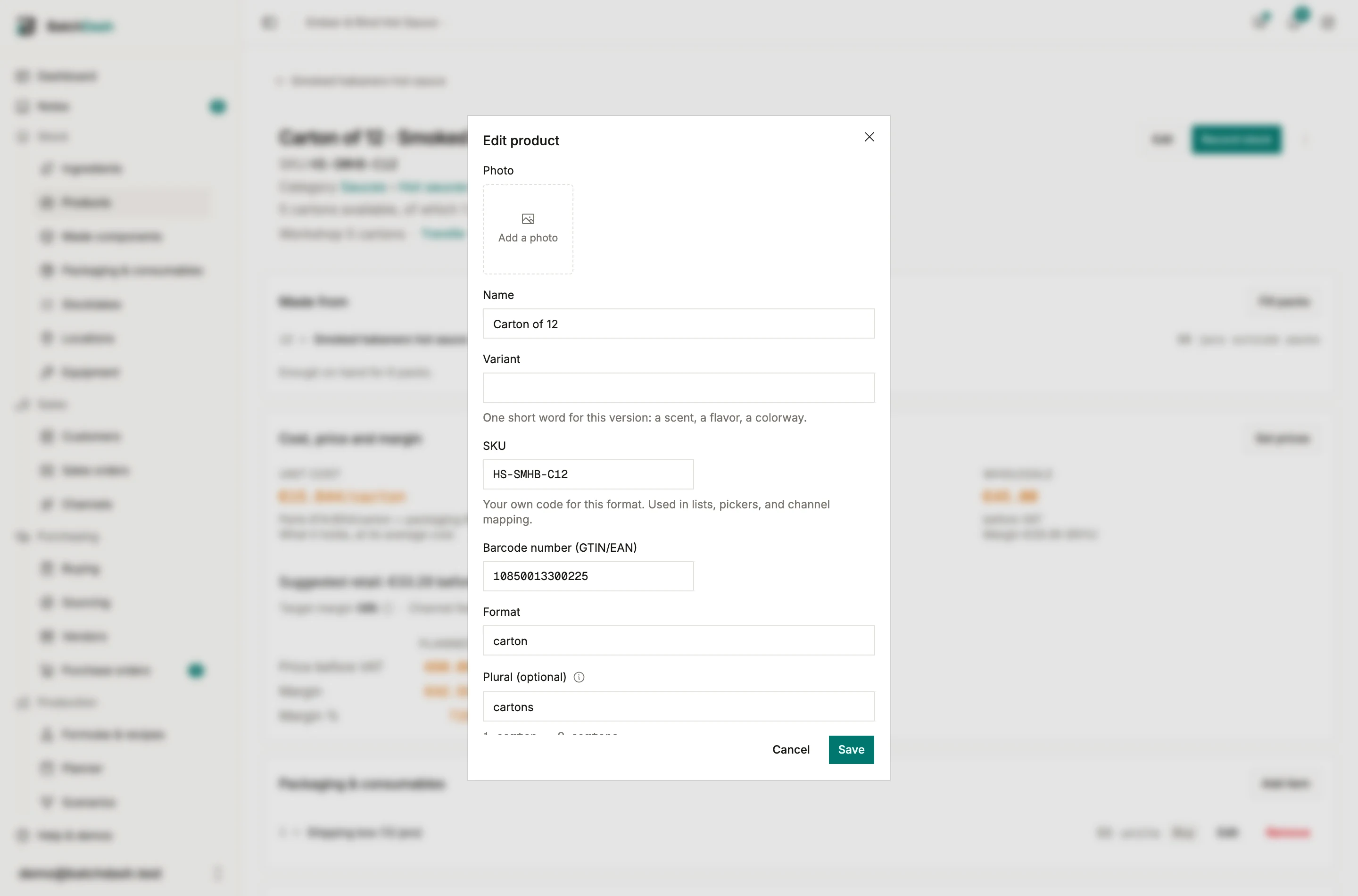
Section titled “Selling a pack”Switch on Sold in the pack’s Edit. It then takes a SKU, a barcode and the two list prices, like any format.
On a sales order, the product picker lists the carton under the sauce’s format. Type the line in cartons, “10 cartons” at the price per carton, with the jars beside it. Shipping takes full cartons with their jars, from the lot that expires first or from the lot you name. The line keeps both figures: 10 cartons, 120 jars.
A shop listing can sell a carton too: map the listing to it, the shop is offered the full cartons, and its orders arrive in cartons. A file of past sales names a sold pack by its SKU.
Sold by the pack only
Section titled “Sold by the pack only”Some customers buy a format only by the carton. On the customer’s page, Sold by the pack names the format and the pack: that customer’s order lines for it are then typed in that pack, and the picker shows that pack alone. A market sets the same rule for every customer in it, and a customer can lift it with By the unit.
Buying in packs
Section titled “Buying in packs”A vendor price can be for one carton: choose the carton under Per when you add the price. A purchase order line is then typed in cartons, and a delivery is received in full cartons, lot by lot, each carton holding its jars. A pack that is not separable is bought as itself, once a vendor quotes it.
Planning in packs
Section titled “Planning in packs”A batch’s target can be a number of cartons (“40 cartons = 480 jars”), and completing it offers to fill those cartons. A scenario line can be typed in cartons, priced per carton, and its sale is typed in cartons when the carton is sold. Replenishment rules count the jars in packs as stock.